
LXNS ( 落雪查分器 ) has recently added quite a few useful features, and some bots have announced that they will be using LXNS as their primary data source going forward. So, in this guide, I’ll walk you through the entire process, from importing your scores into LXNS to using its various features.
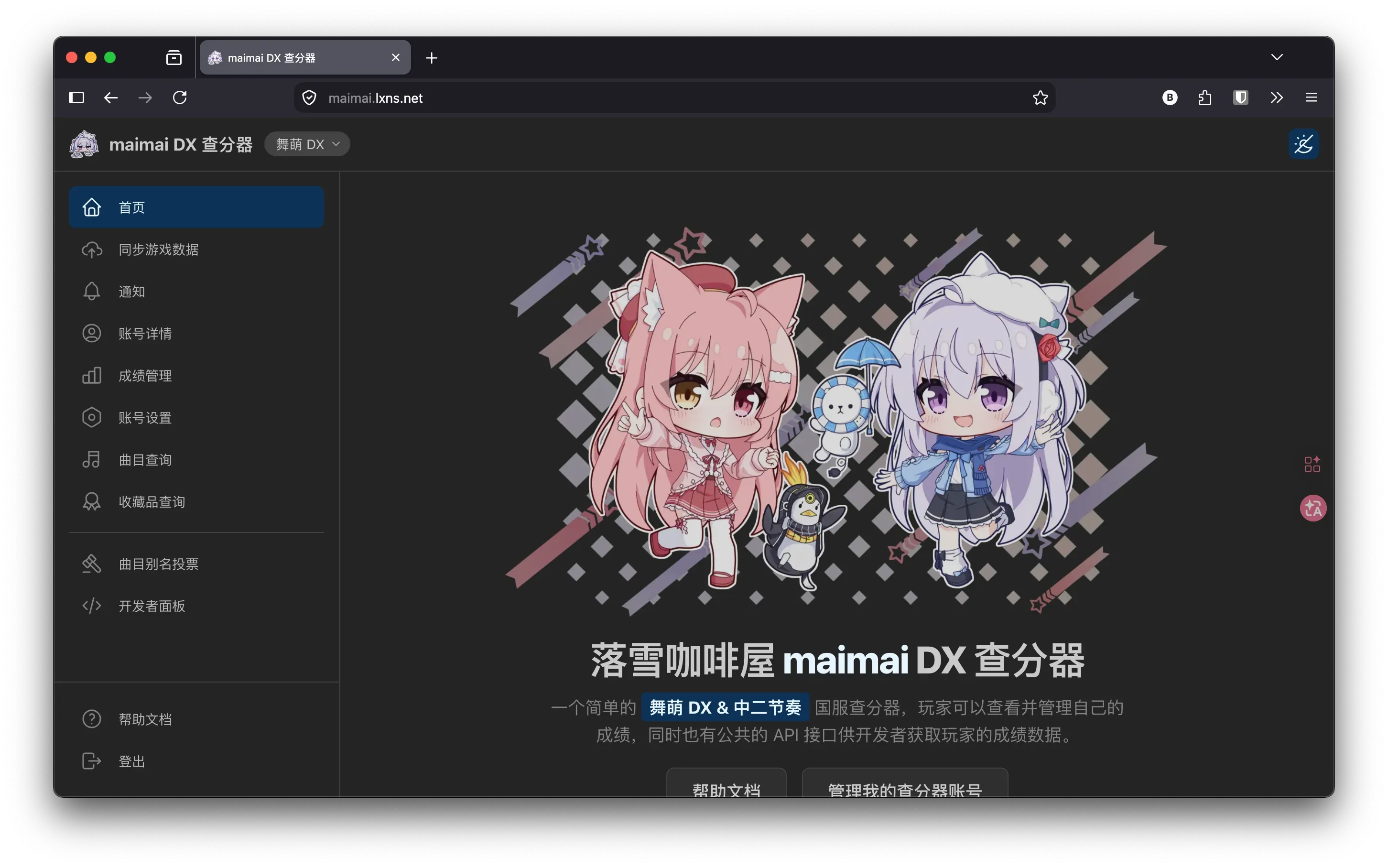
Registration
The official LXNS website is maimai DX Score Tracker.
Simply visit the website and create an account to get started.
Importing Your Scores
Uploading Through the LXNS Proxy
-
Log in to the LXNS website, open the menu in the top-left corner, and select
同步游戏数据. -
You can manually configure an HTTP proxy in your device’s WLAN settings, although this isn’t recommended unless necessary. In this guide, I’ll focus on setting things up through a proxy client instead.
Android
-
Install Clash Meta for Android from the GitHub releases page.
-
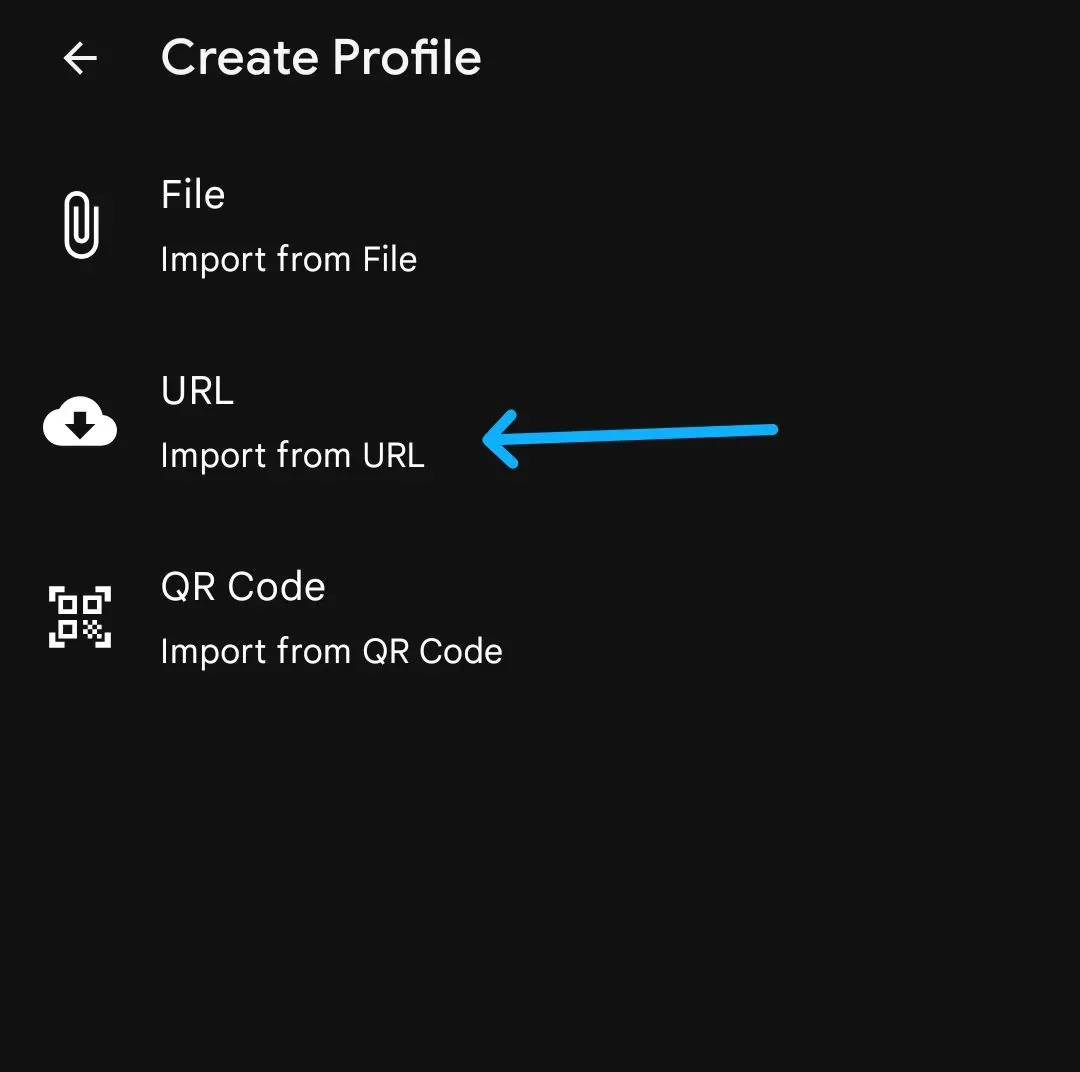
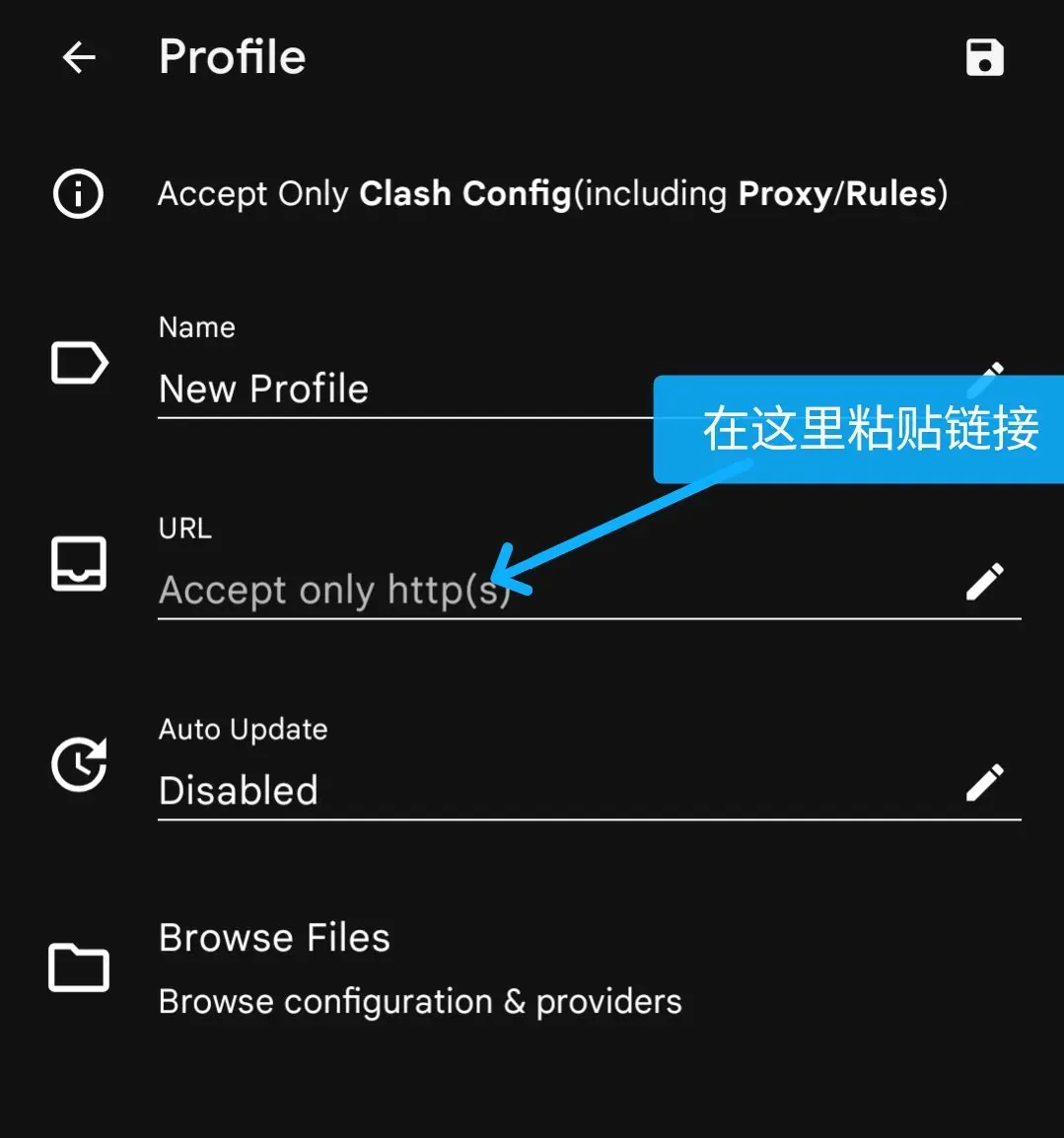
Copy the following URL:
https://maimai.lxns.net/api/v0/proxy-config/clash -
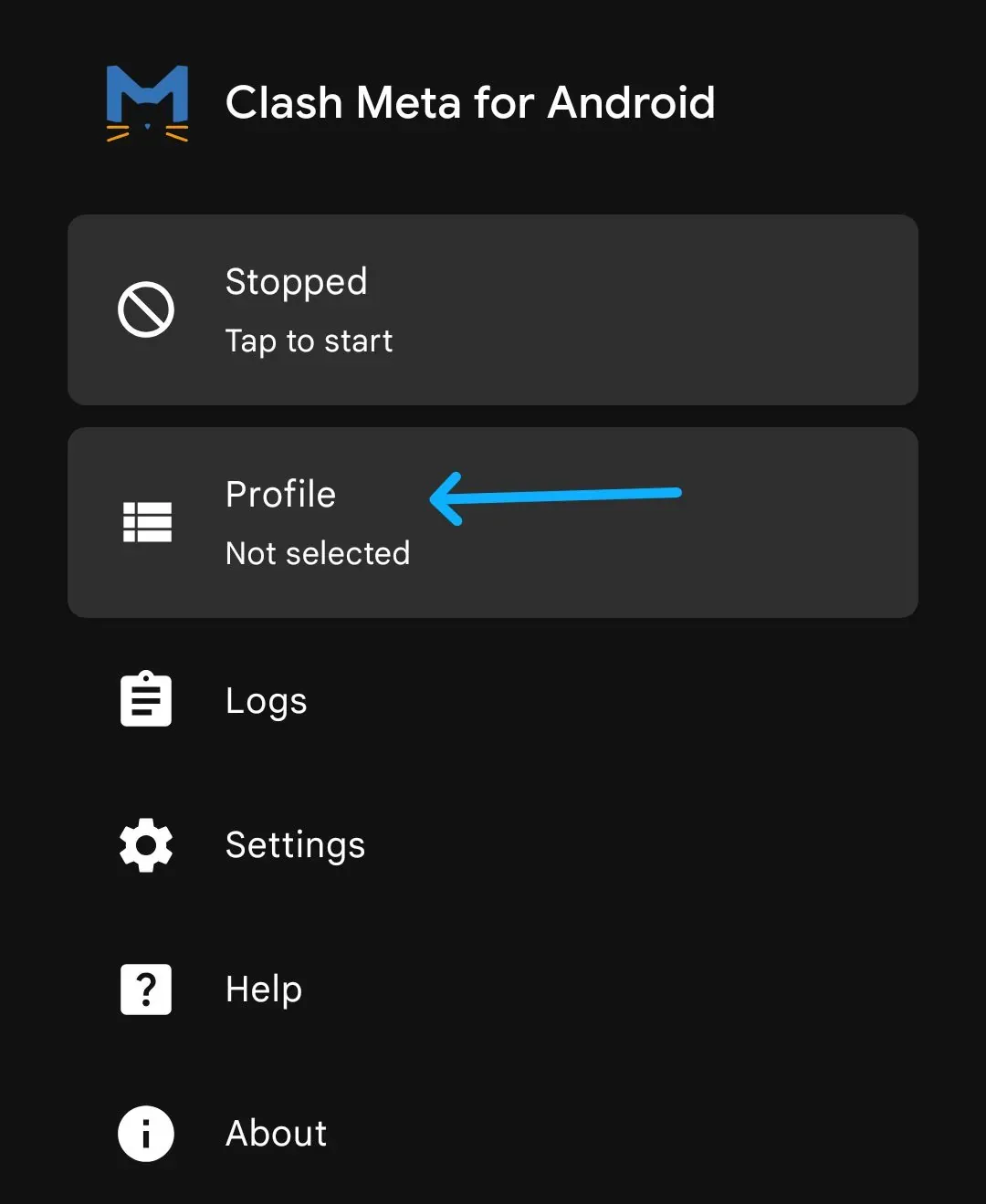
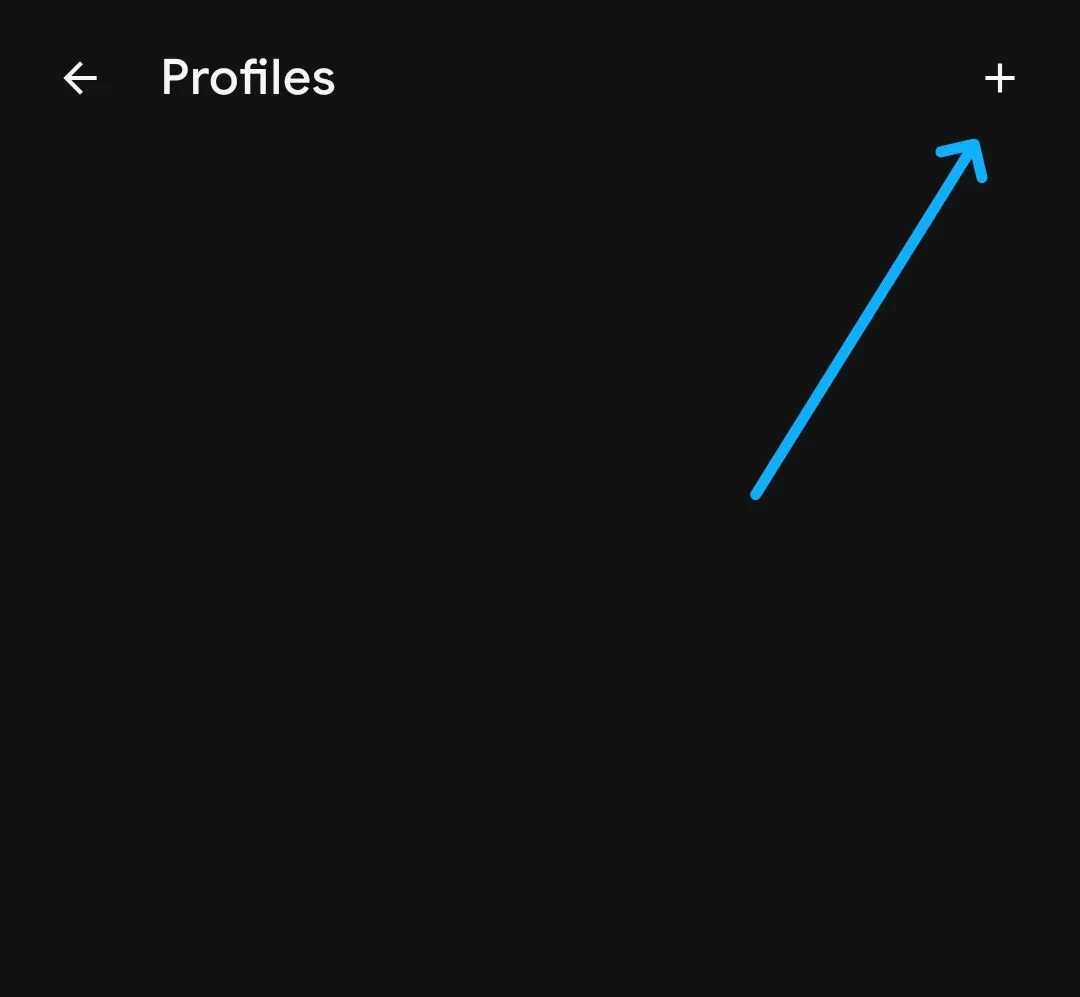
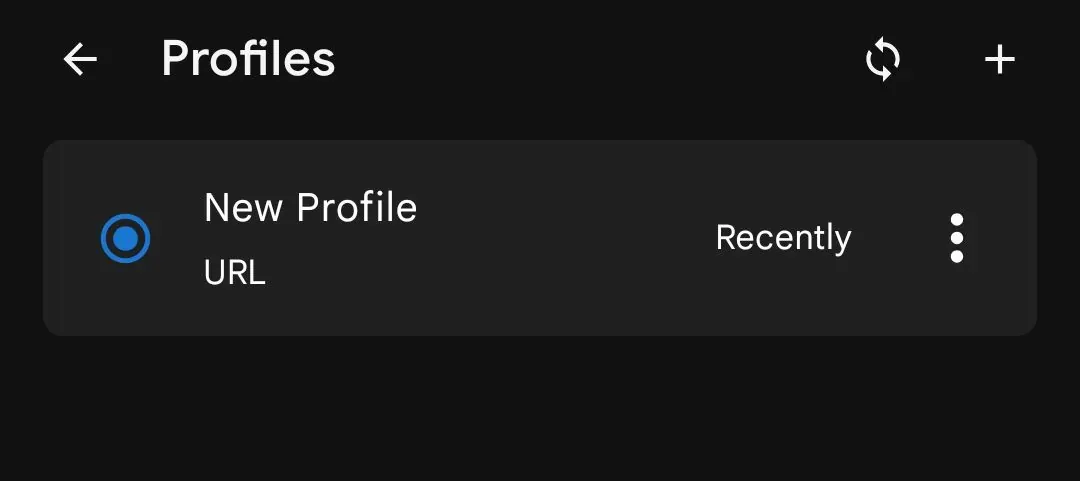
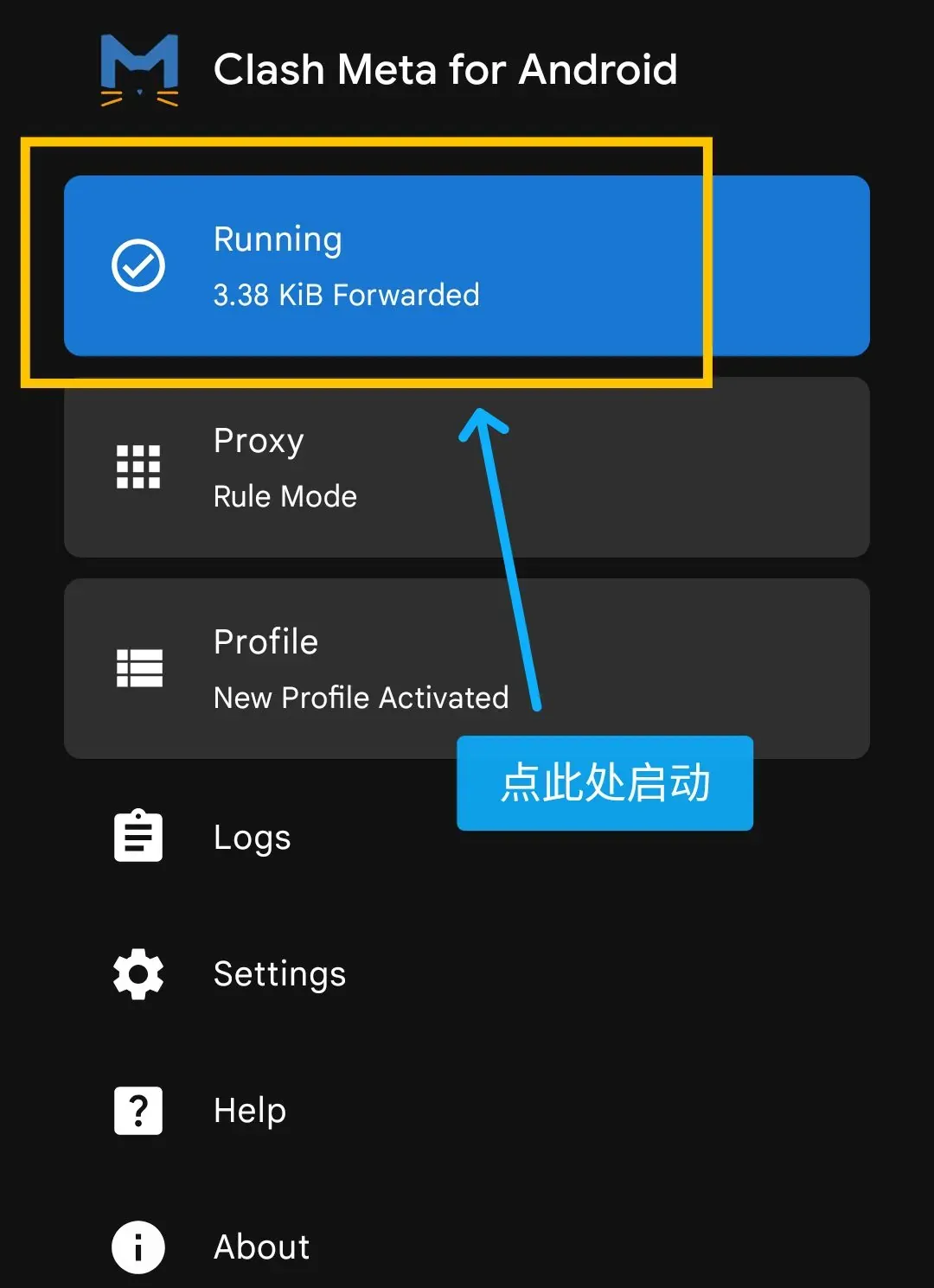
Open Clash Meta and tap 配置文件 to add the proxy configuration, as shown below.
iOS / iPadOS
- Install Shadowrocket or another compatible proxy client.
- Tap
配置in the bottom navigation bar, then tap the plus button in the top-right corner and paste the URL. - Start the proxy, and you’re good to go.
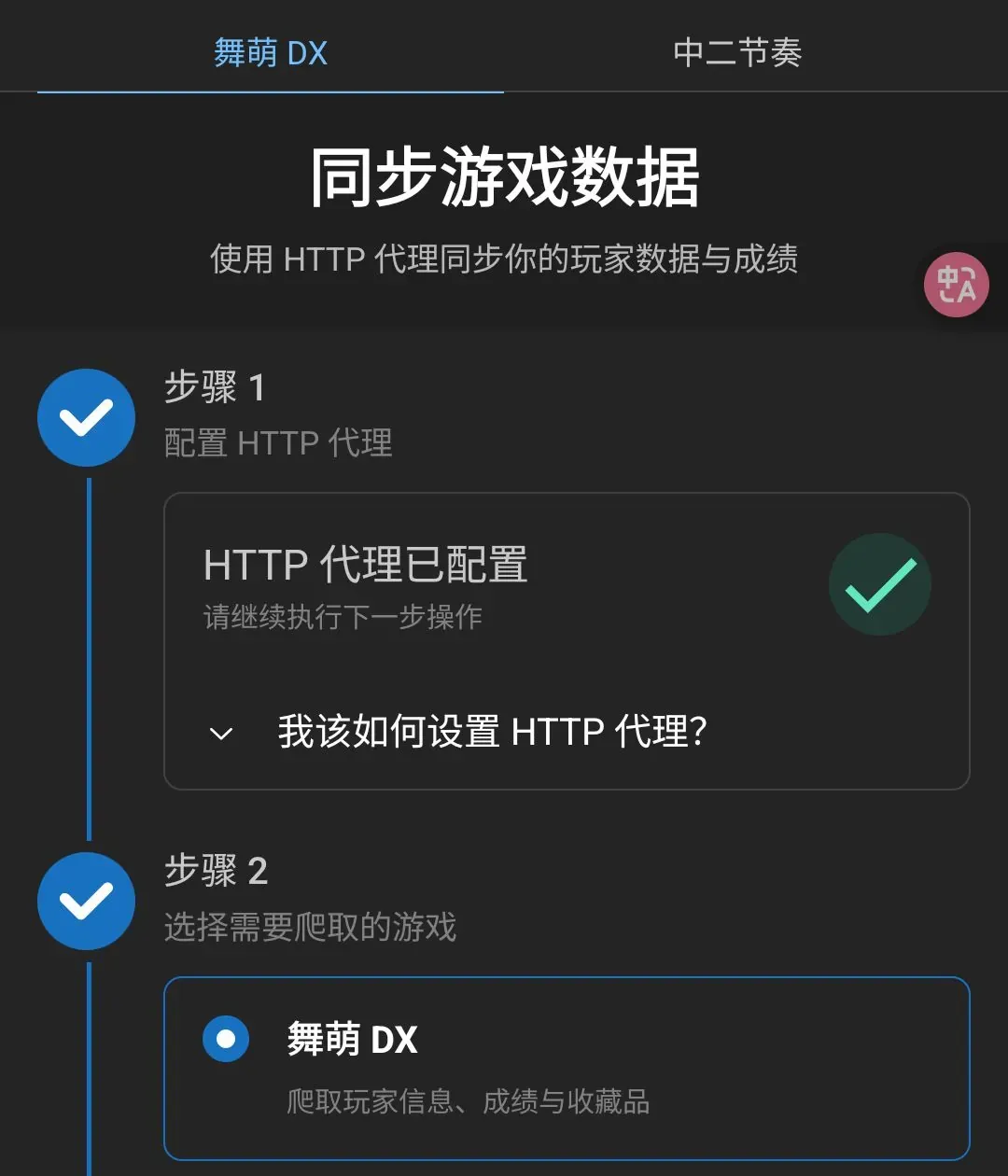
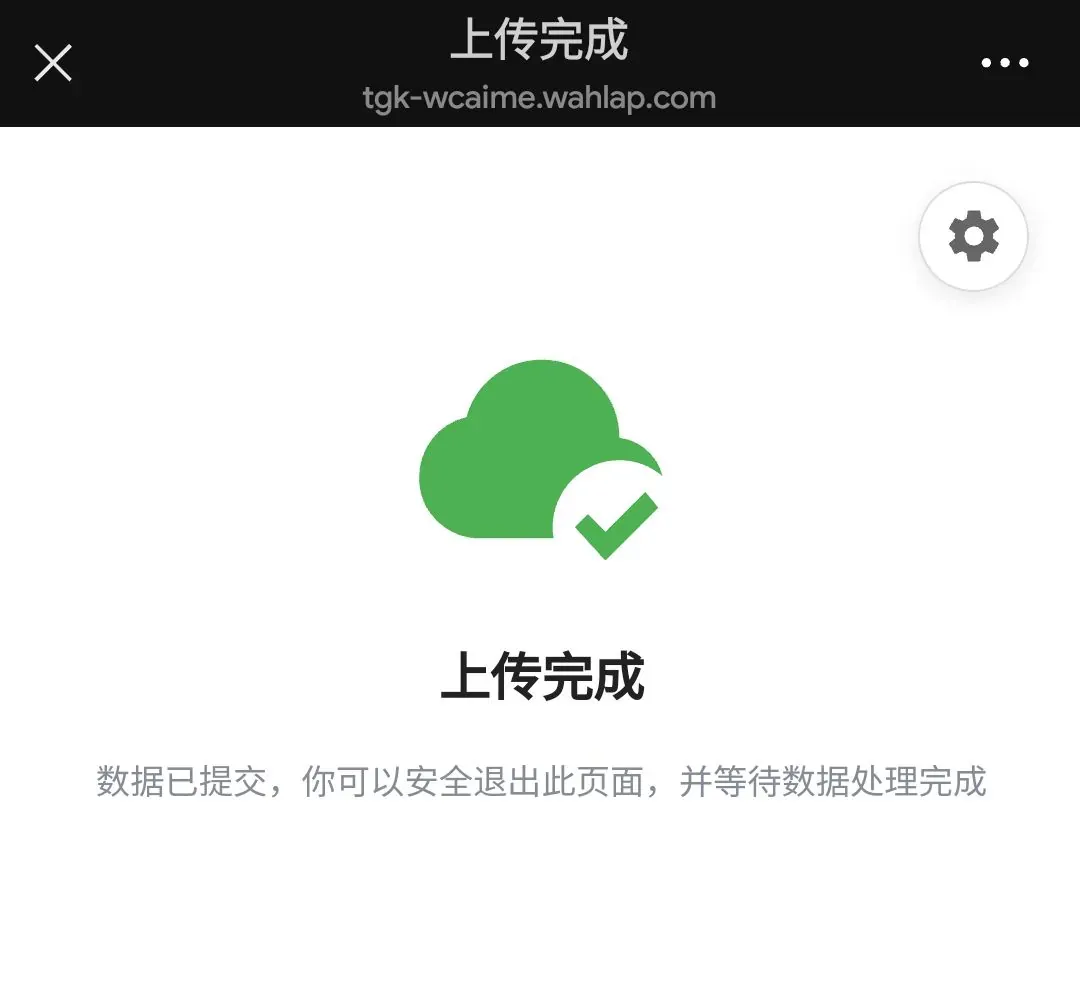
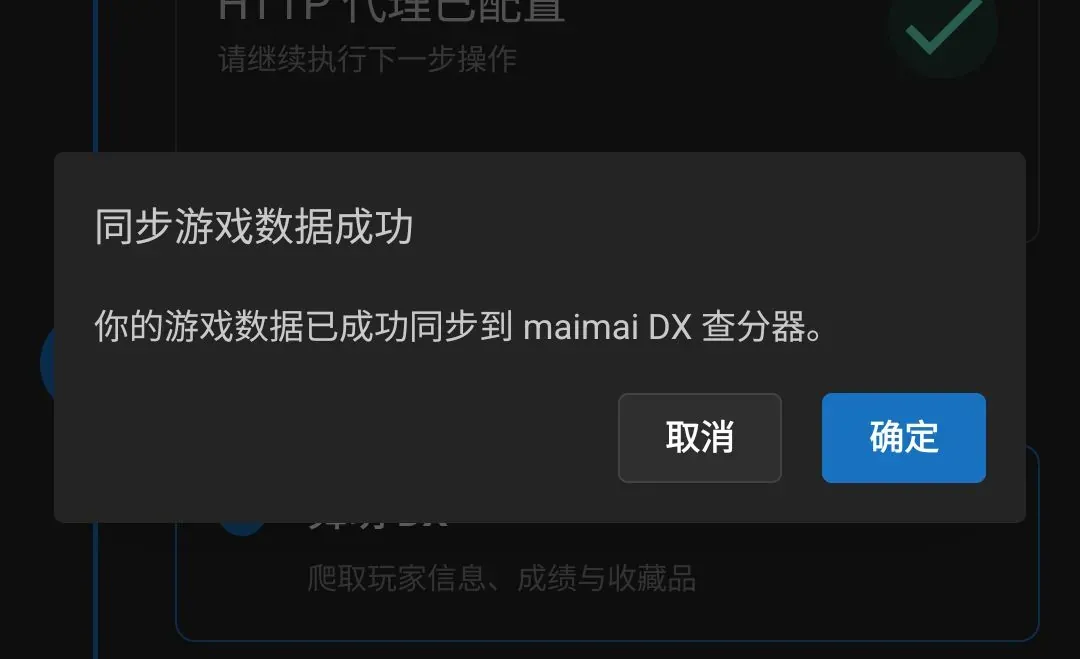
- Once the website confirms that the proxy has been configured successfully, copy the sync link. Open WeChat, find File Transfer or another trusted conversation, send the link, and tap it to complete the synchronization.
Third-Party Solutions
Syncing Through union
If you’ve previously synced Shuiyu ( 水鱼 ) through union, you can use union’s LXNS upload to transfer those scores to LXNS.
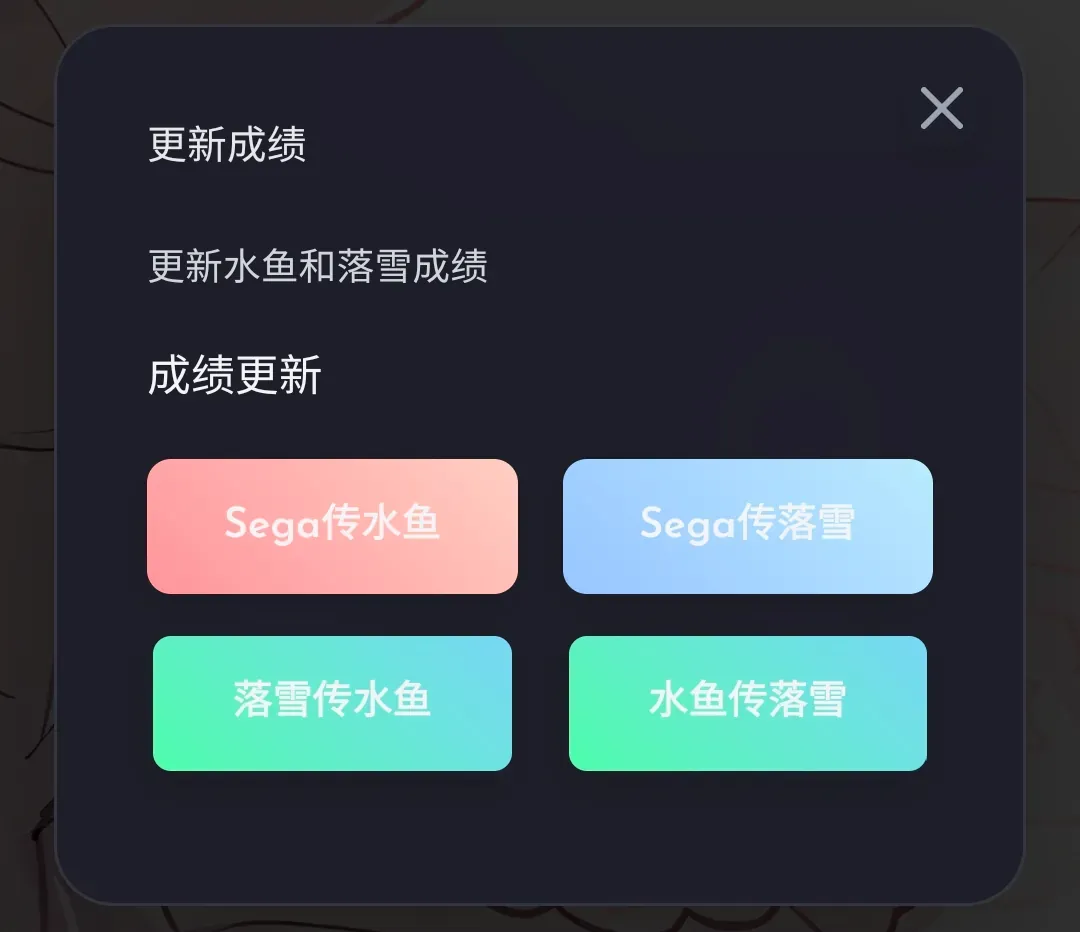
bakapiano
See the bakapiano Score Tracker Guide for instructions.
I won’t go into the rest.
Using LXNS
Checking Scores
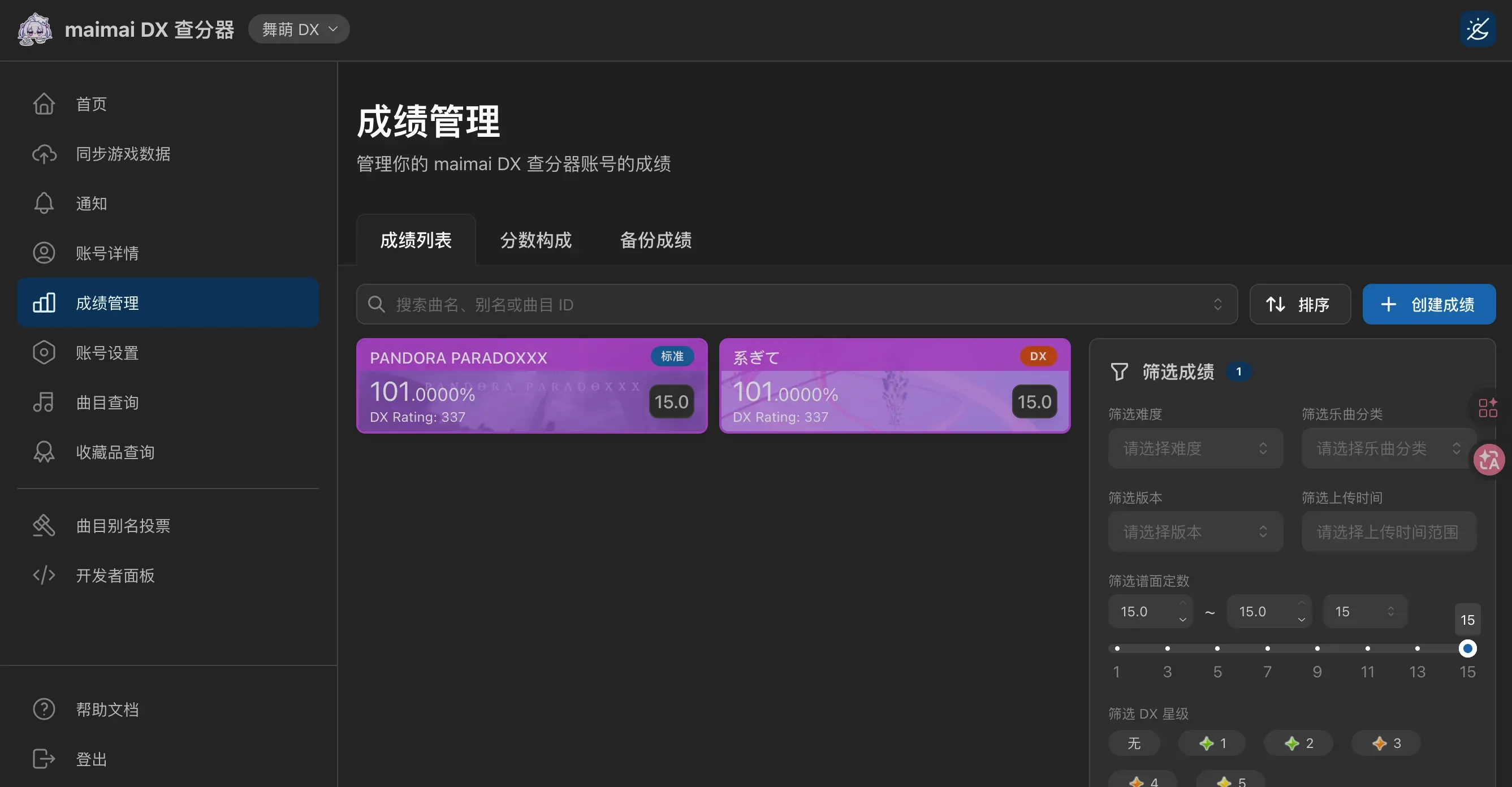
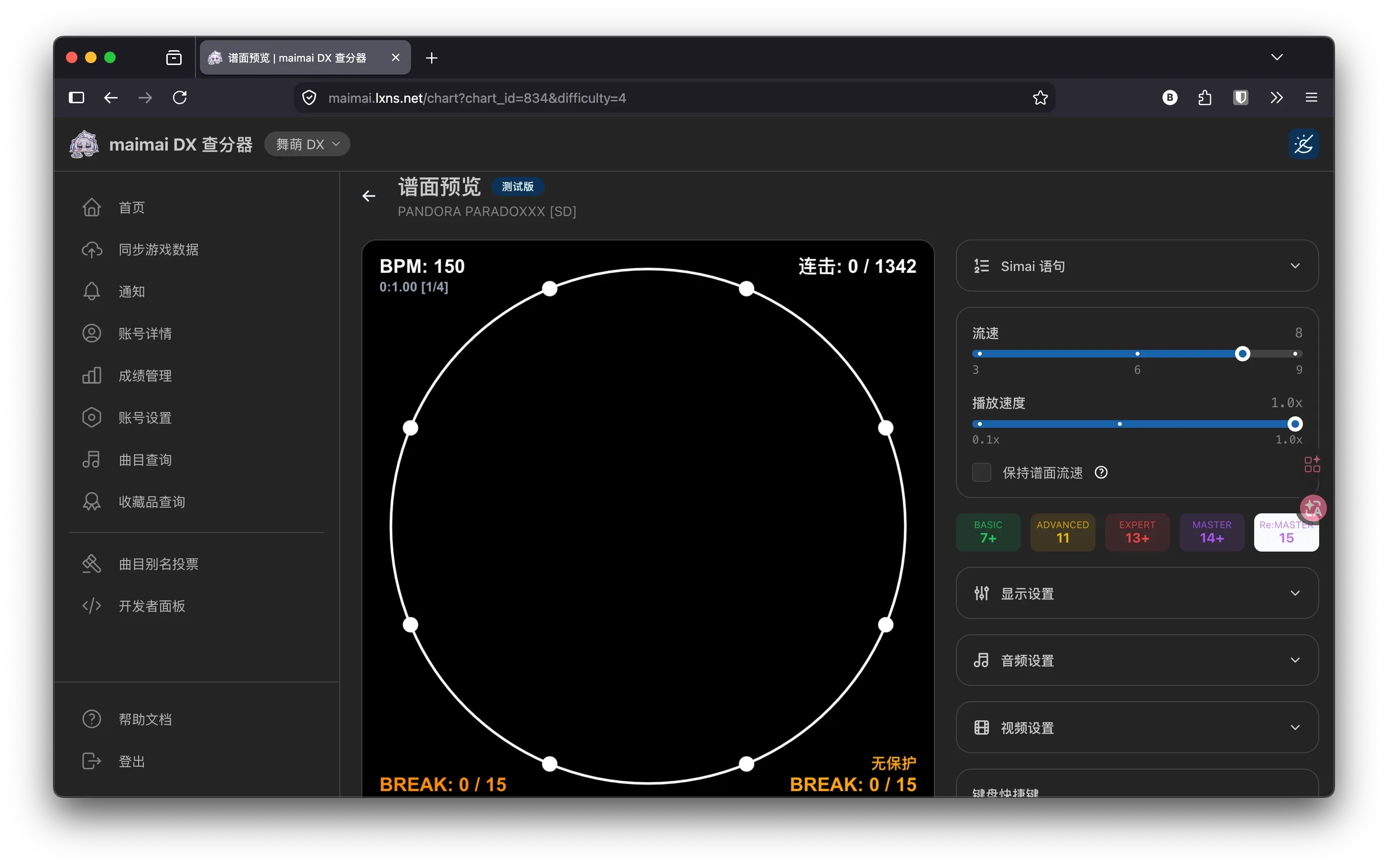
LXNS provides built-in score management and lookup features. You can click on an individual song to view its score progression chart, and you can also check chart confirmations directly on the website.
It’s very convenient.
Using Bots
On QQ, you can use LXNS’s own bot, @lxbot.
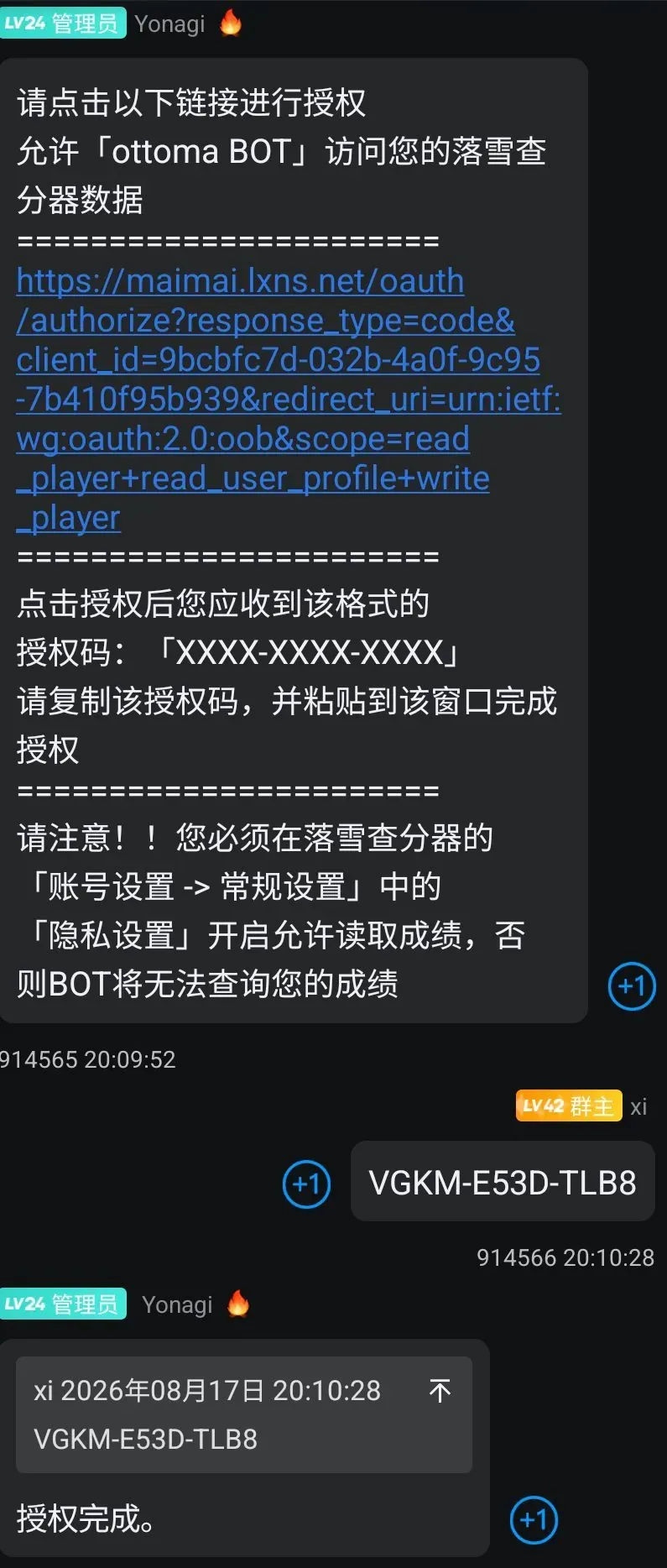
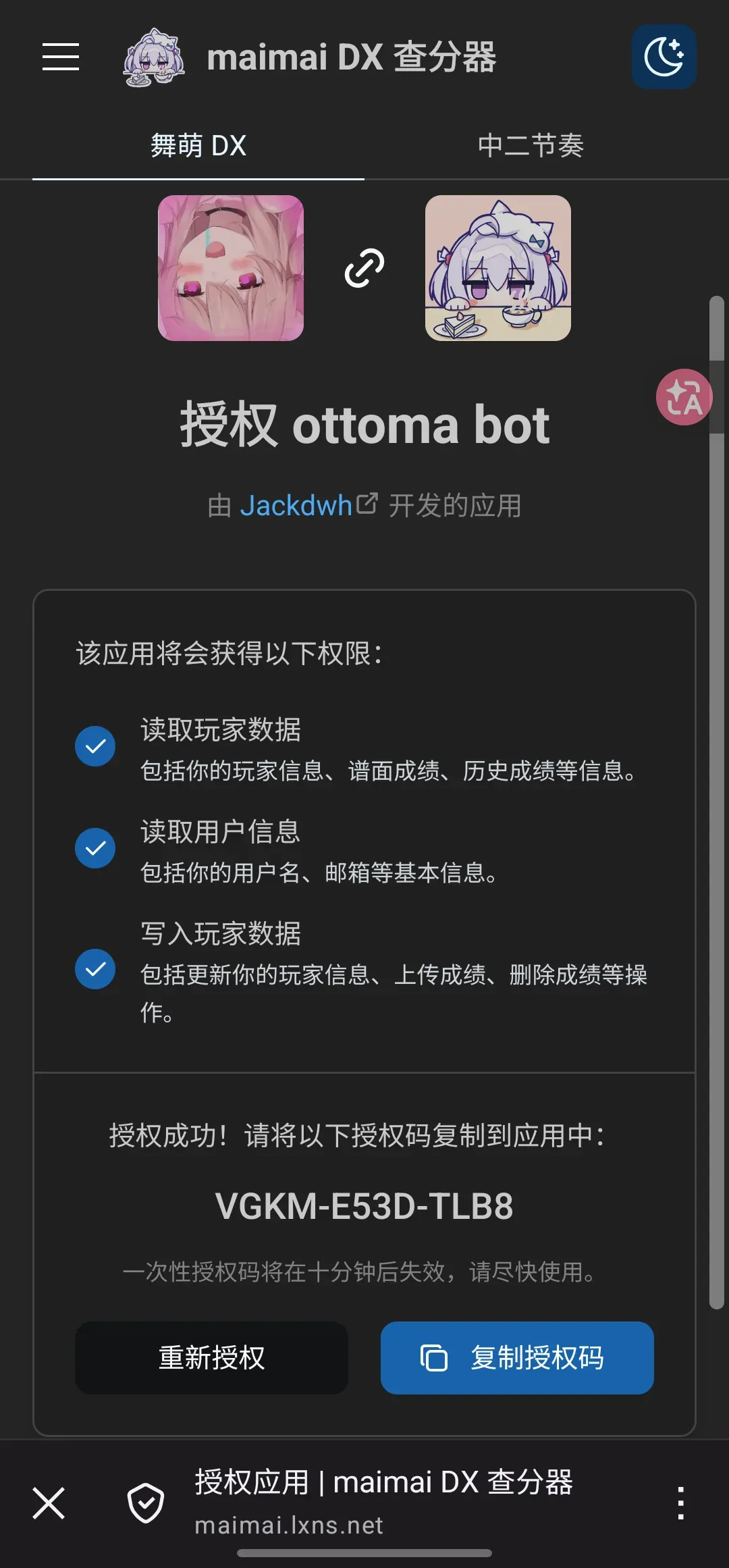
Many other bots that use Youzi’s maimai plugin also support querying your B50 using LXNS as the data source, as shown below.
Keep in mind that not every bot will have the same interface or commands, so check with the bot you’re using for instructions on linking your LXNS account.
After that, you can usually switch to LXNS by entering:
数据源 1
