
Introduction
The subject of this article is Niagara Launcher, a third-party launcher famous for its minimalism, developed by independent developer Fabian Stein
Unlike the traditional launcher grid icon drawer layout we usually see, Niagara displays apps in a vertically scrolling list. The home screen shows only the alphabet navigation bar and frequently used apps — very clean and efficient. I personally really like this
Preview

As the introduction says, the whole launcher is very clean and extremely good-looking, perfect for looking at wallpapers. When I use a computer I always keep the desktop very clean and open things from a list with shortcuts; Niagara fits my personal habits really well
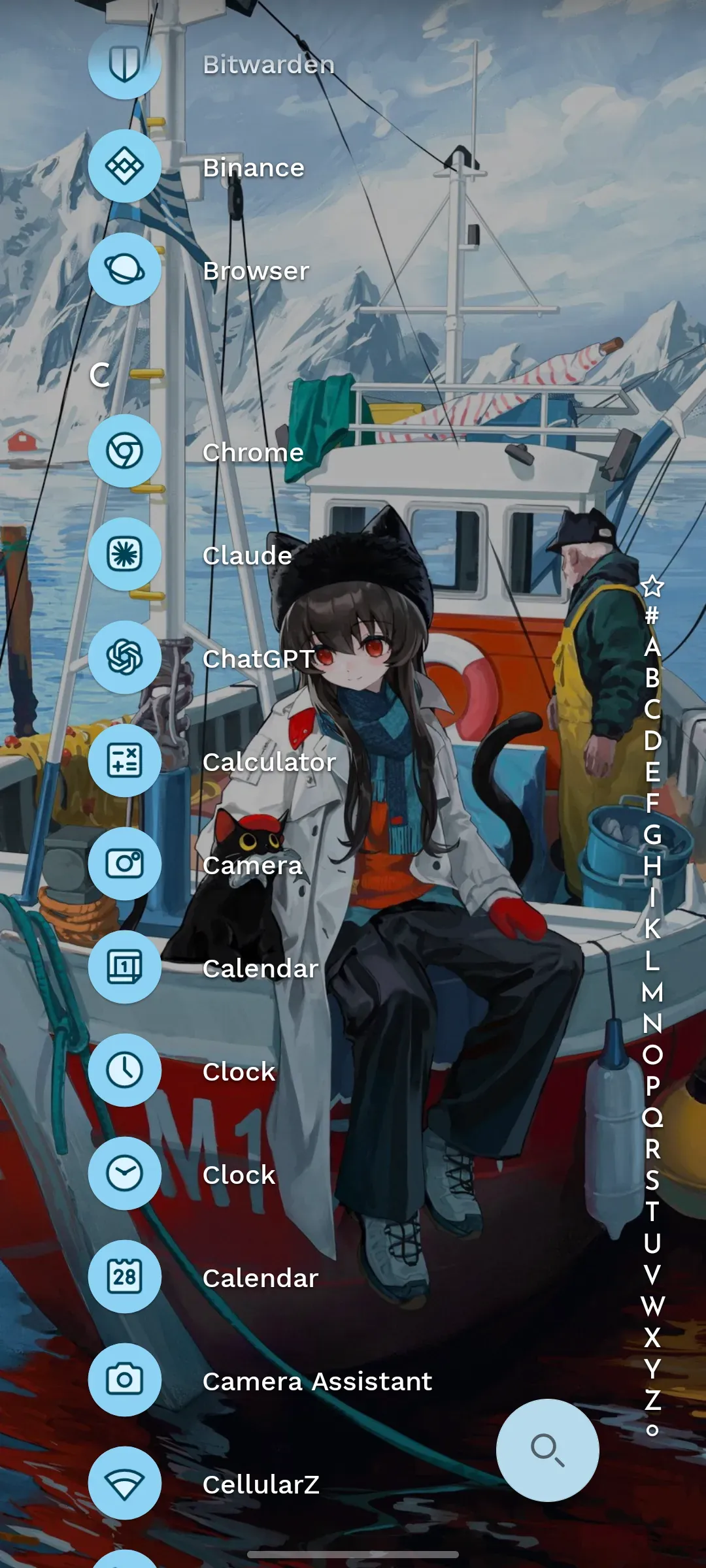
Swiping on the left or right side of the screen brings up the alphabet menu to quickly find the corresponding app, which feels highly similar in efficiency to using a window manager on my computer
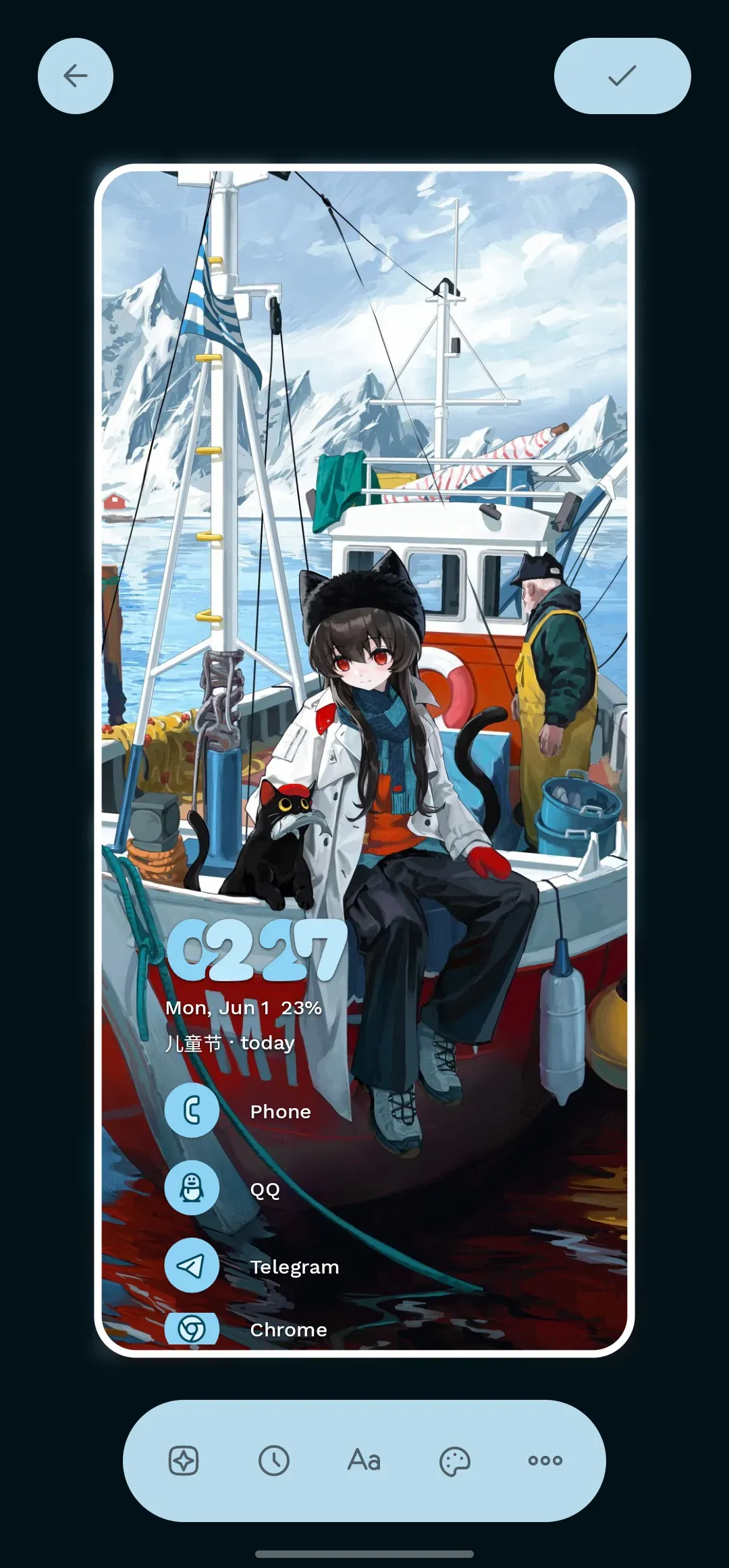
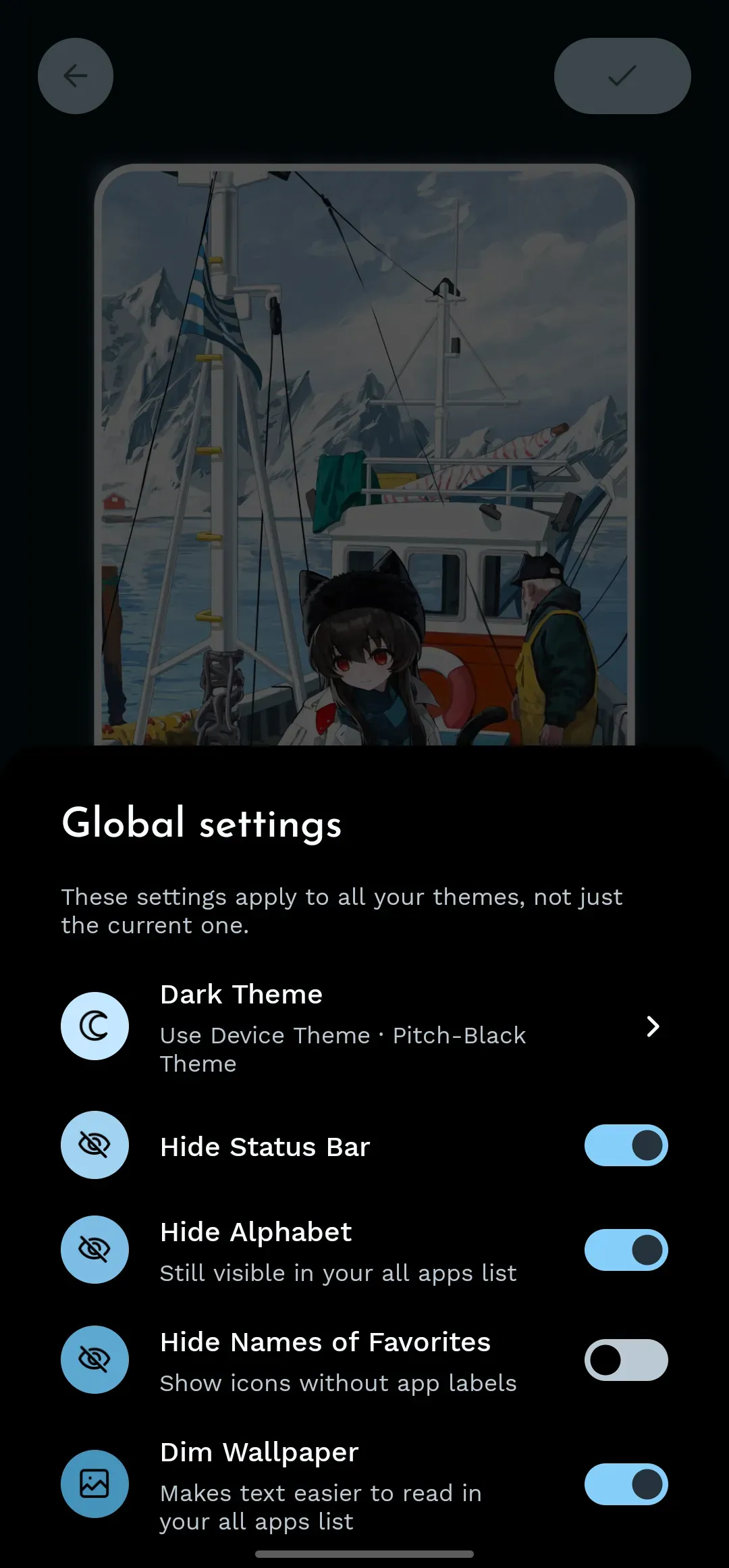
The custom themes are highly similar to Android’s native Material you design, so nothing feels disjointed
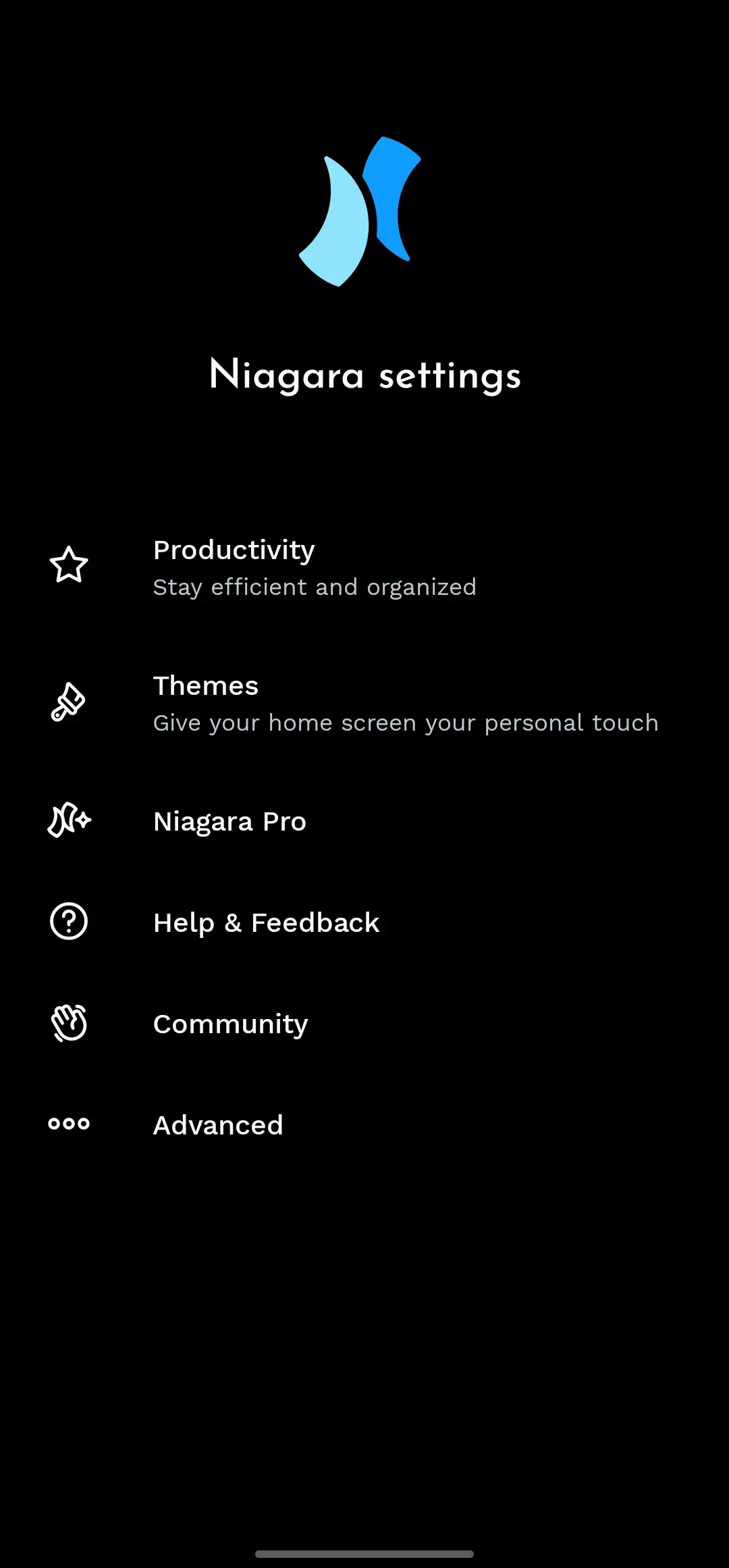
And my favourite one

App notifications are displayed right on the list — very efficient
Conclusion
This article is not a sponsored post (we’re not influential enough to get one yet); it’s purely my personal, subjective assessment. The launcher comes in Basic and Pro versions; some advanced customisation naturally requires paying, or solving it with a certain kind of magic
Who Is It For?
Whether it’s good is something you’ll know the moment you try it. If you’re chasing a minimalist information flow, why not download it and give it a go
