Introduction
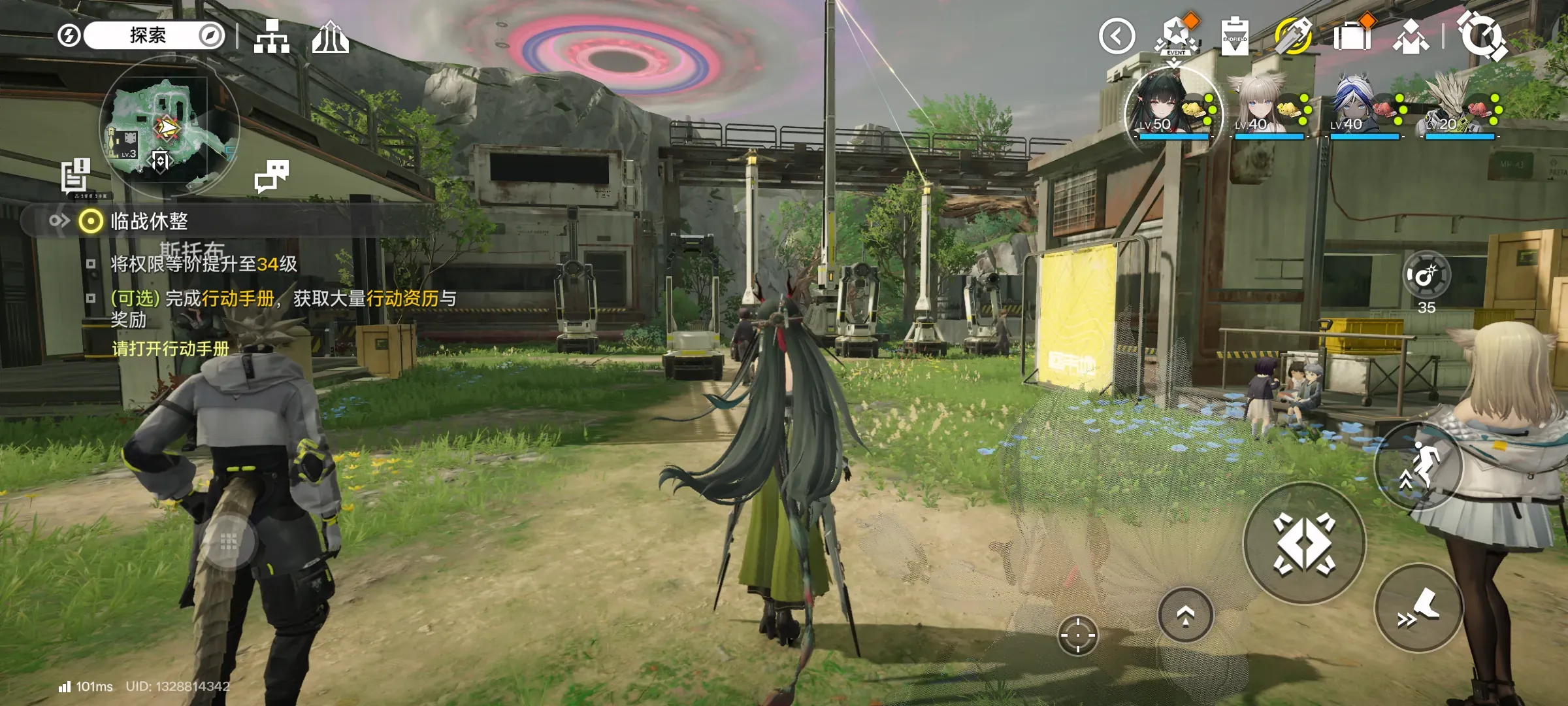
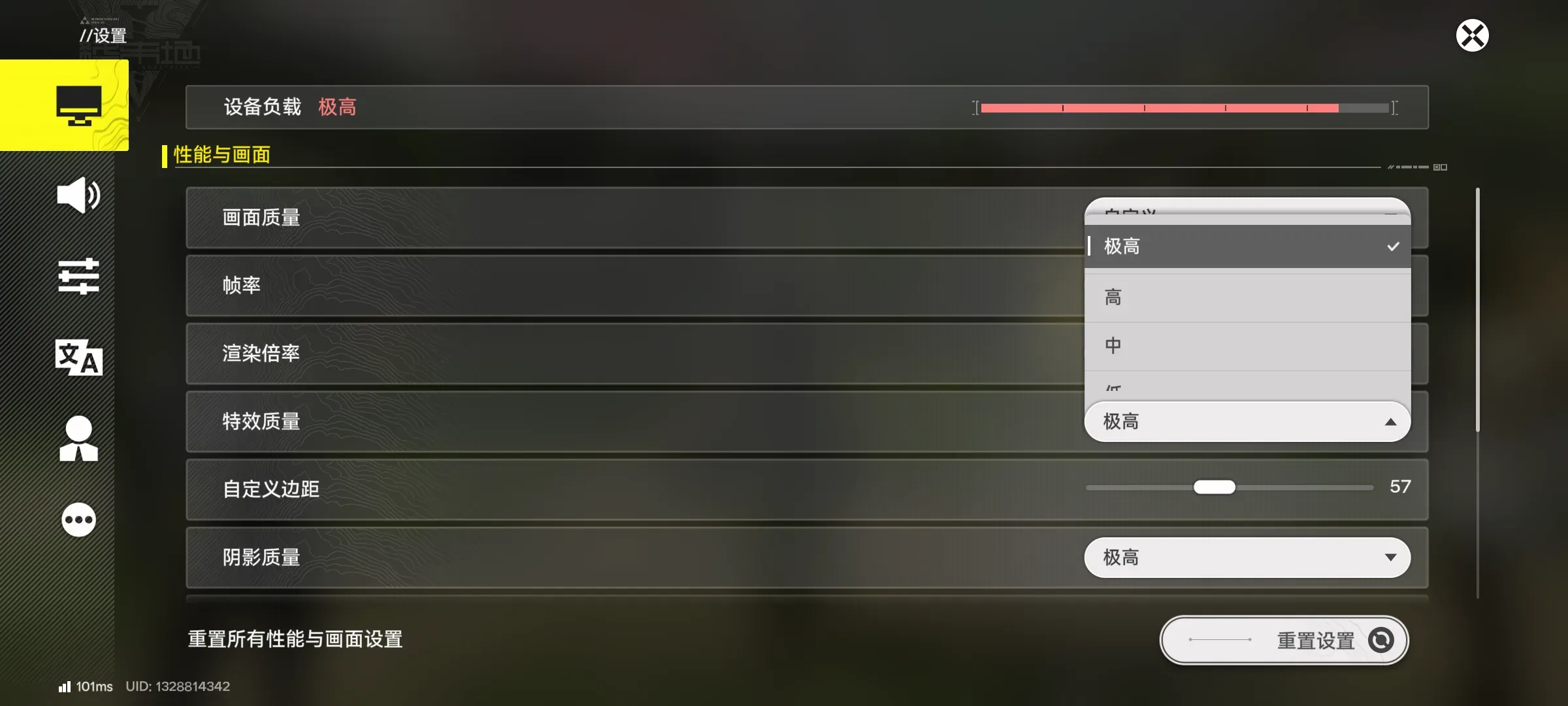
I’ve been playing Endfield recently and found the graphics very blurry. Even with the render resolution maxed out in settings it still looks blurry as Steve, and some graphics options are locked outright and won’t go higher, so I suspected Endfield has a tiering system that locks graphics on certain devices. That led to the jailbreak attempt in this post
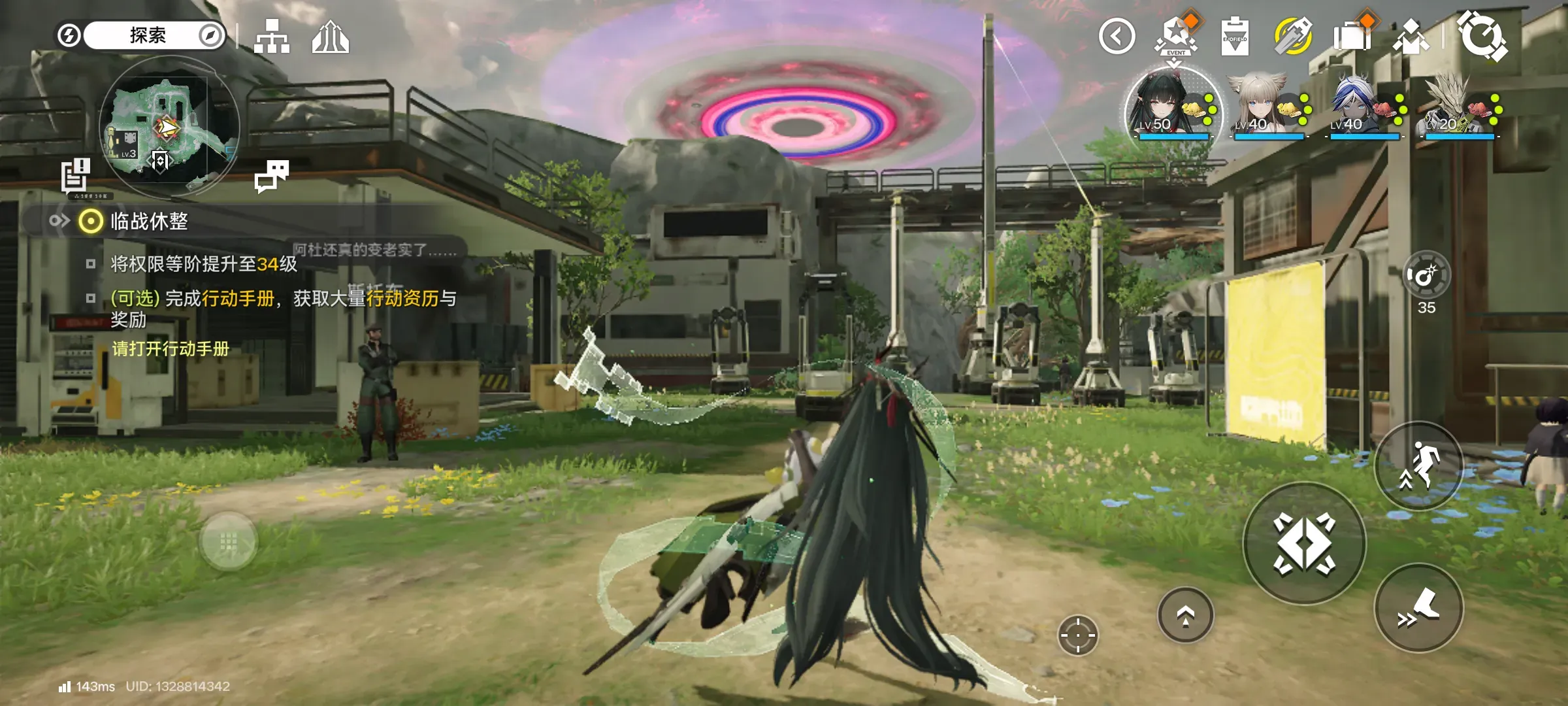
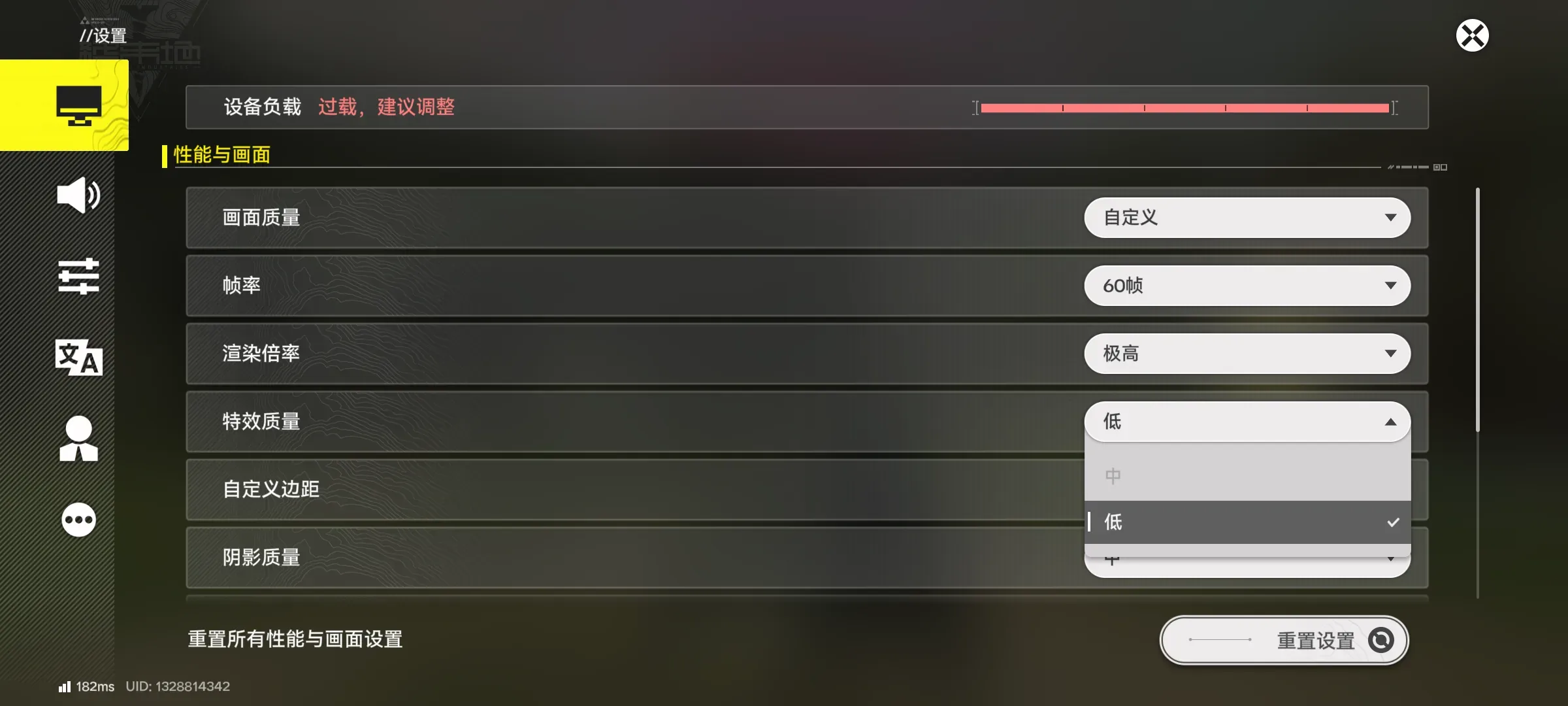
Note that simply changing your phone model (disguising it as a Galaxy S26, for example) does not bypass Endfield’s tier detection; you need to change the GPU model the game recognizes, which requires a tool called iUnlocker GLTool to spoof it
Preparation
Before you start, make sure you understand the associated modding risks and are capable of unbricking your device. This article is not responsible for that
- A rooted phone
- A su manager such as Magisk or Kernel SU
Steps
- Open a manager like Magisk and flash the module you just downloaded in the Modules section (a reboot is required for it to take effect)
- Open the module archive you just downloaded; inside is an APK. Install it and grant it root permission (this is the graphics manager)
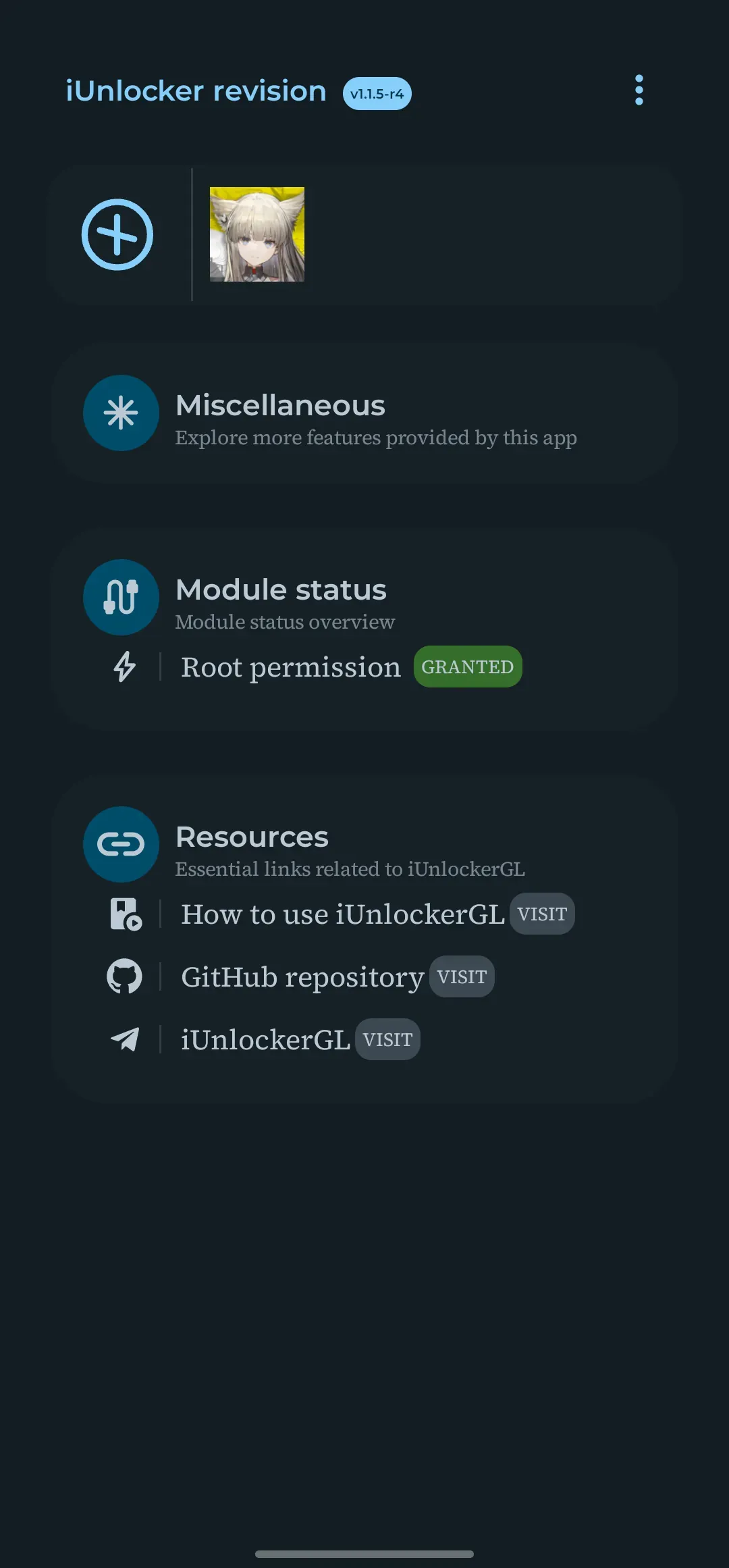
- Open the installed iUnlocker revision app, tap
+to add an app, add Arknights: Endfield, and an app icon appears at the top; tap it once more to open the menu and pick the GPU model to spoof
If you don’t know which model and version to choose, just pick the highest tier by default, as shown
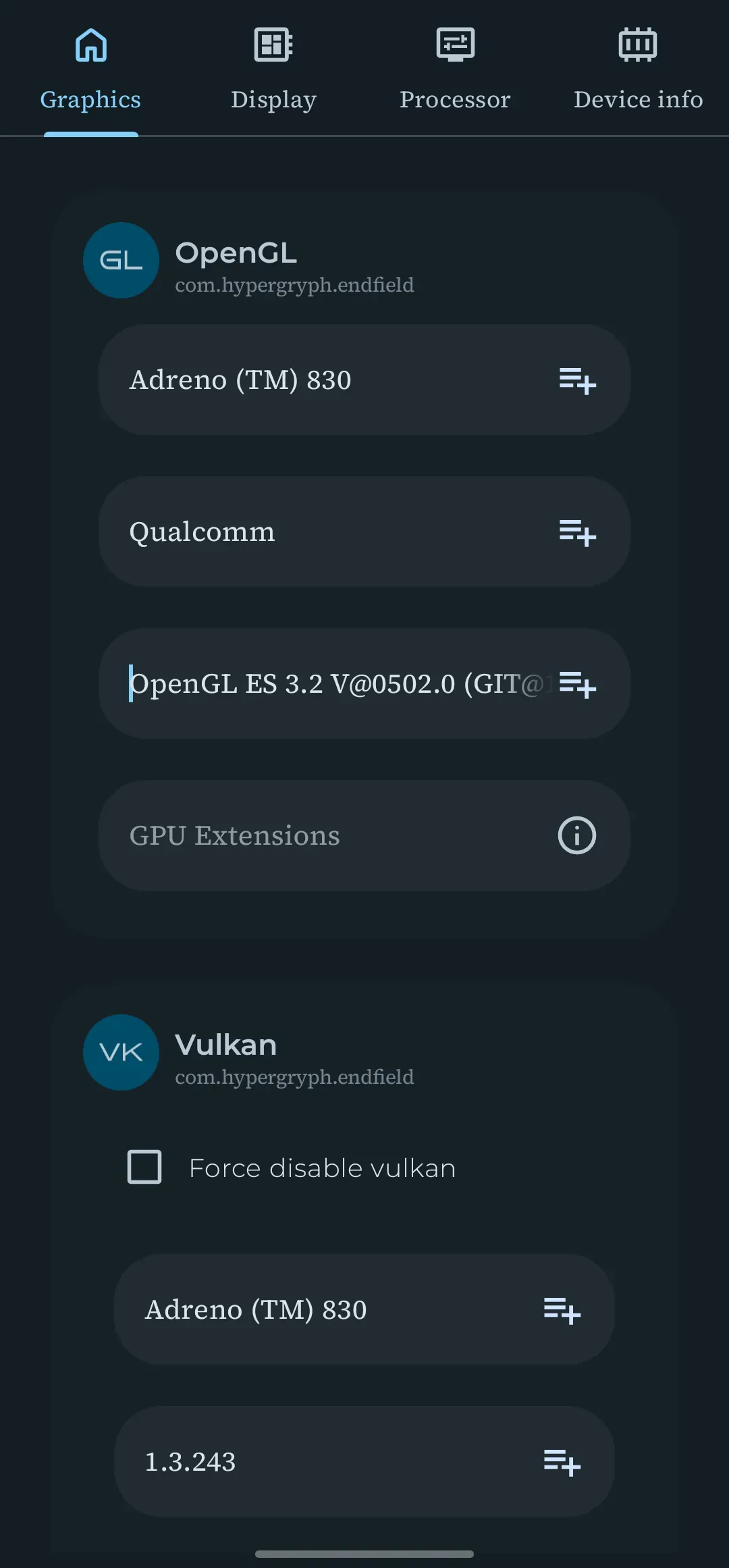
- Save and exit. Launching Endfield now may trigger a one-time shader compilation; after that, once you’re back in the game, you’ll find that all the graphics options that couldn’t be set high before are unlocked, and the resolution runs at full power