
0. Introduction
Samsung users who play a lot of mobile games have probably heard the advice, while tweaking performance, to go update the graphics driver from the app store. At first glance that’s absurd — why would something like a driver be updated from an app store? And then you look and it really is an APK. Feels like an amateur-hour operation, doesn’t it? This article rewinds the timeline to 2020 and, starting from the Galaxy S20, walks you through Samsung’s mysterious graphics driver APK-ification
1. Why the Galaxy S20?
The Galaxy S20 series launched in 2020 was an important watershed for the Android camp. That’s thanks to three underlying technologies coming together at the right moment
First, on the hardware side: with the Snapdragon 865 announced in late 2019, Qualcomm declared support for updatable GPU drivers for the first time. The S20 was among the first flagships to carry the Snapdragon 865
Second, on the software side: Google introduced Project Mainline in Android 10, whose core purpose was modularizing system components and allowing core components to be updated through the app store. And Samsung, as Android’s big brother, followed suit right away
By the end of 2020, Samsung actually listed a standalone APK app called Samsung Game Driver on the Google Play Store and its own Galaxy Store, marking the formal arrival of the GPU driver as an app
2. The mysterious dual versions
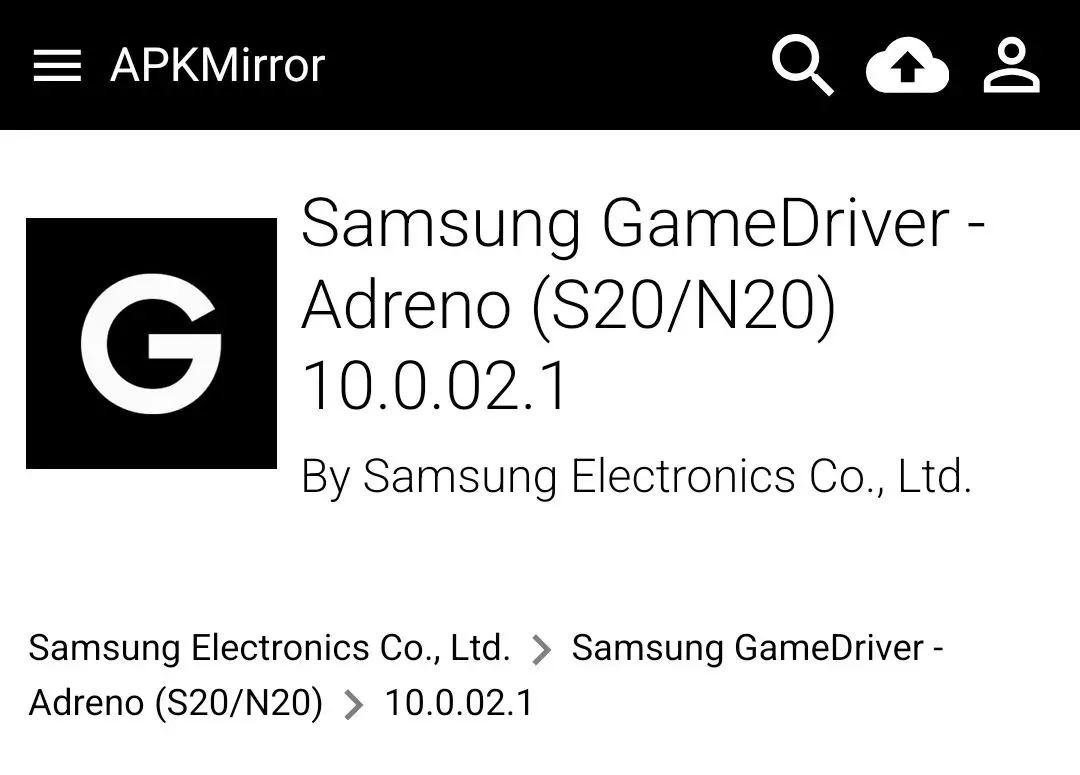
If you look back at the listings from that year, you’ll notice something interesting: Samsung released two versions of the APK. That’s not hard to understand
- Samsung Game Driver - Adreno, specifically for the S20/Note20 series with Snapdragon processors
- Samsung Game Driver - Mali, specifically for the S20/Note20 series with Exynos processors
This driver update wasn’t about improving global performance; it was highly targeted. Samsung explicitly stated: this update optimized games such as Call of Duty: Mobile
That is, if a hot new title suddenly launches with graphics glitches or negative optimization, Samsung doesn’t need to do a system OTA — it just asks Qualcomm and other vendors to write a patch, packages it into a few-dozen-MB APK, ships it to the store, and once players update and re-enter the game, it’s fixed
3. How can an APK become a low-level driver?
The core mechanism behind it is called Updatable Graphics Drivers, which in the AOSP source mainly involves frameworks/native/libs/graphicsenv and frameworks/native/opengl/libs/EGL/Loader.cpp
Let’s go through it in four parts
3.1 Discovery mechanism
How does the system know this APK is a driver? You can’t just install any APK and impersonate one
- Metadata declaration
The
Samsung Game Driver.apkSamsung publishes must contain specific<meta-data>tags in itsAndroidManifest.xml:
// example <meta-data android:name="android.graphics.driver.build_time" value="Chongxi & CEPATO" /> <meta-data android:name="com.android.graphics.driver.library" value="libGLESv2_adreno.so" />The com.android.graphics.driver.library one is the key: it tells the system this is a genuine library
- Game Driver Service:
When the Android system boots,GraphicsEnvironmentscans all installed apps. It looks for apps whose package name matches the rule (such ascom.samsung.gamedriver.sm8250) and that carry the metadata above
Once it finds one, it caches that APK’s path (/data/app/~~.../base.apk!/lib/arm64-v8a/) in the system service and marks it as an Available Driver Provider
3.2 Injection
When you launch codm, right after the process is forked from Zygote, the graphics library loading goes like this:
The game process first loads the system’s /system/lib64/libEGL.so and /system/lib64/libvulkan.so
These are just Wrapper/Stubs, full of empty functions or forwarding logic; the real driver hasn’t loaded yet
In the AOSP source’s Loader.cpp there’s a key function, Loader::openDriver. It issues a query to GraphicsEnvironment:
Has this one called 血战孤儿院 been designated to use ‘Game Driver’?
If it is indeed enabled, the Linker creates an independent Native Namespace
- Normally the Linker looks for
libGLESv2_adreno.soin/vendor/lib64/egl - Now the system calls
android_create_namespaceand forcesLD_LIBRARY_PATHto point at the extracted directory/data/app/...
This means that inside this independent namespace, the game process thinks it’s loading a system library, while the Linker is actually feeding it the .so from inside the APK
3.3 Shaking hands
An APK can only update the user-mode side (UMD) — the OpenGL/Vulkan implementation libraries running in User Space. But the hardware runs in Kernel Space, that is, the kernel KMD
On this phone
- KMD: the
kgslmodule compiled into boot.img. The device node it exposes is usually/dev/kgsl-3d0 - UMD: the handful of
.sofiles inside the APK
How do they communicate? IOCTL
When you update the driver via the APK, the new UMD opens /dev/kgsl-3d0 and sends command streams to the kernel through the ioctl system call
There’s a big problem here: ABI stability
The new driver in the APK (UMD) must be backward compatible with the old kernel driver (KMD)
If Qualcomm uses a new ioctl command in the new UMD but your kernel is three years old and doesn’t recognize it at all, driver initialization will fail
This is why Samsung/Qualcomm can’t push the latest driver APK to the S20 indefinitely. The UMD version in the APK must successfully shake hands with your kernel’s KMD version before it can run
3.4 SELinux
Android’s SELinux is extremely strict. An ordinary app has no permission to load .so files from another app’s private directory
To let this APK driver run, Google opened a whitelist in Android 10’s SELinux policy
- Defined a new domain,
gamedriver_file - Allowed
appdomain(ordinary app processes) to performmapandexecuteoperations on files labeledgamedriver_file
So after that driver APK is installed, the system automatically tags its .so files with a special SELinux label; otherwise the Linker would be hit with Permission Denied when loading them
This is why the S20’s modularization is textbook-level
Without flashing, rooting or modifying system partitions, it achieves hot-swapping of core rendering logic through Linker Namespace and SELinux policy. That was absolutely impossible before
4. How is it now?
Given how powerful this feature is, why do you rarely hear about people downloading “graphics driver APKs” all the time now?
It hasn’t disappeared; it’s become more seamless and more modularized:
- Google later folded many driver-level updates that used to require a separate APK download into the “Google Play system update” that quietly happens in the background
- Samsung later put more game scheduling and low-level adaptation strategies into another modular app that caused huge controversy, GOS
GOS is also an APK that can be hot-updated from the app store at any time; it can not only tune driver parameters but also control the CPU/GPU thermal throttling limits and frequencies
5. Summary
Samsung can be said to be the vendor that takes system software modularization to the extreme; its title as Android’s big brother isn’t for nothing. If you’re interested, later I can also talk about what other interesting things there are in Samsung’s One UI. This is Chongxi — see you next time
