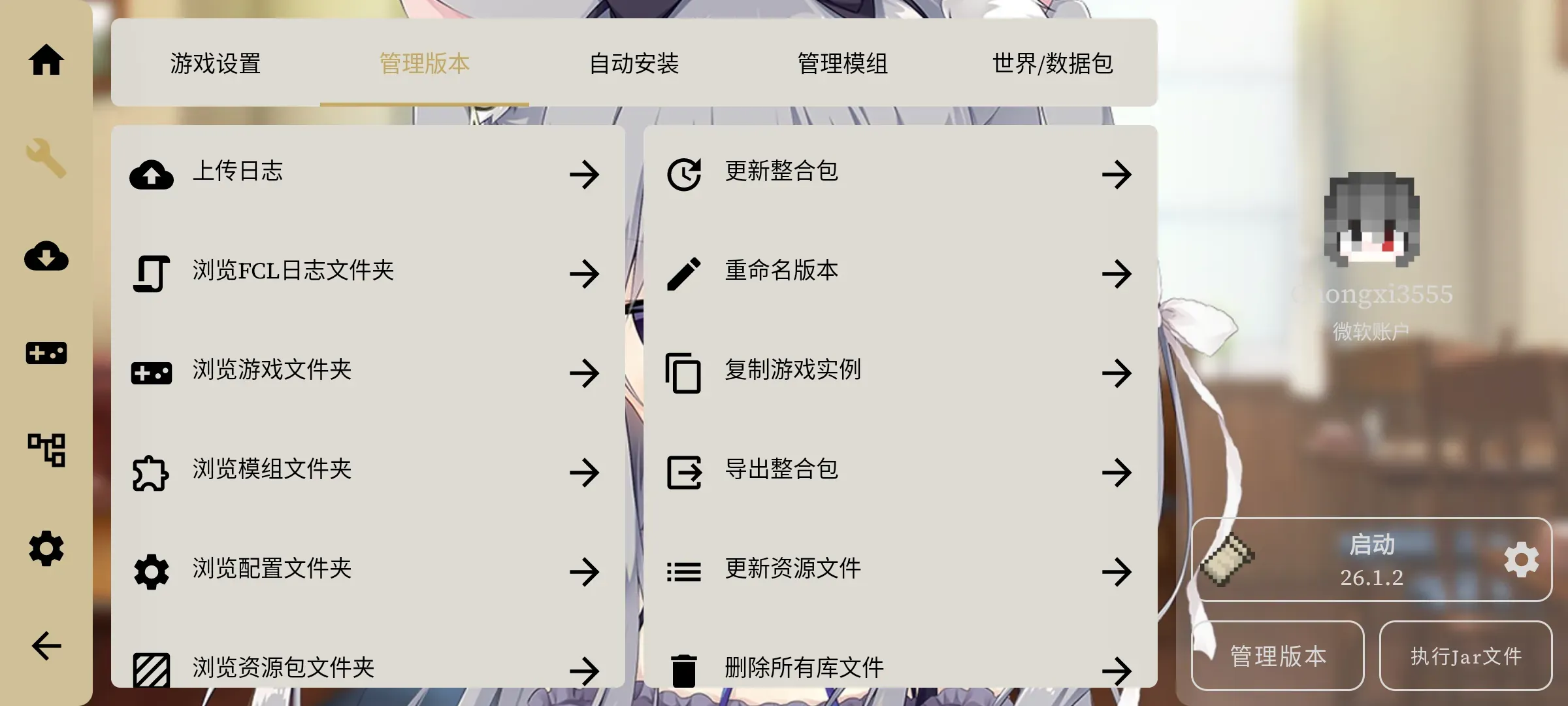
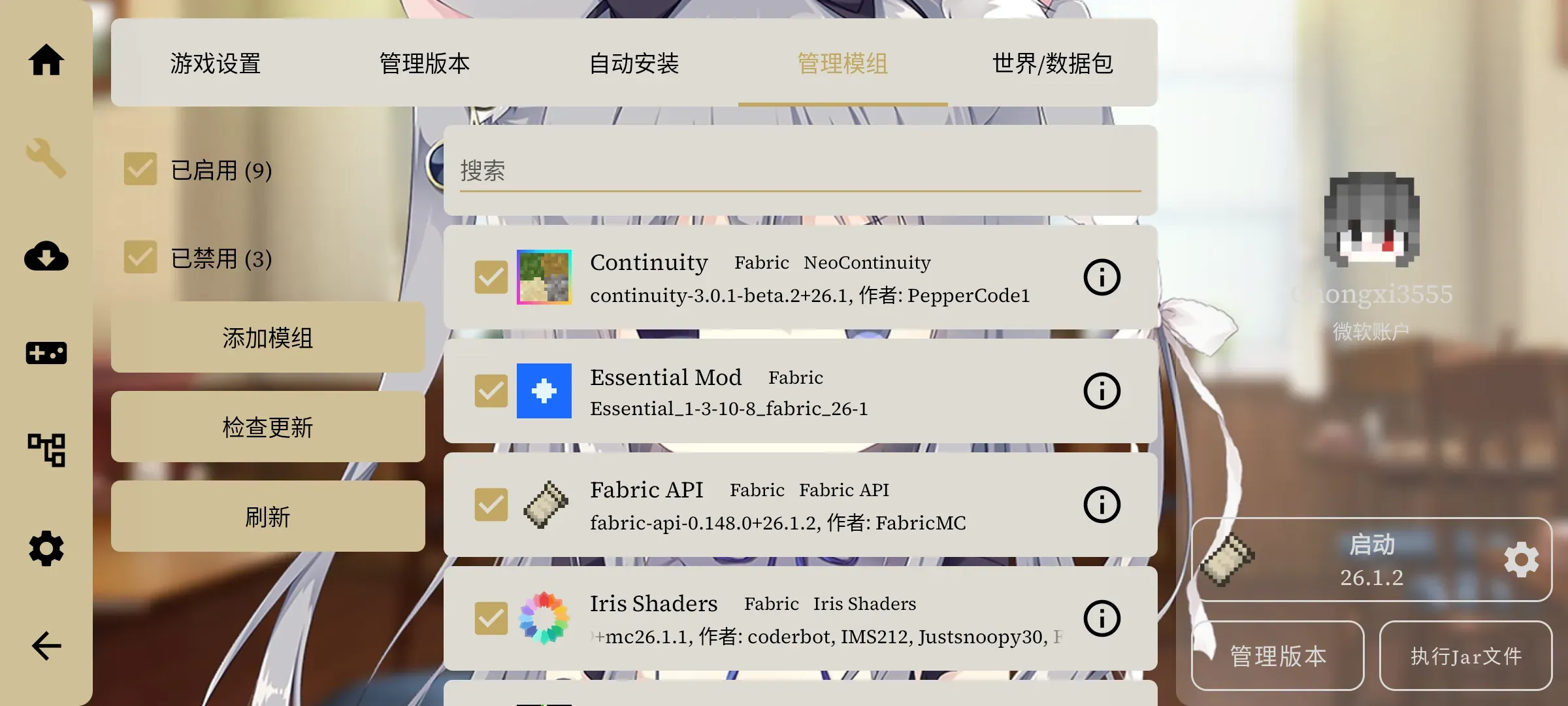
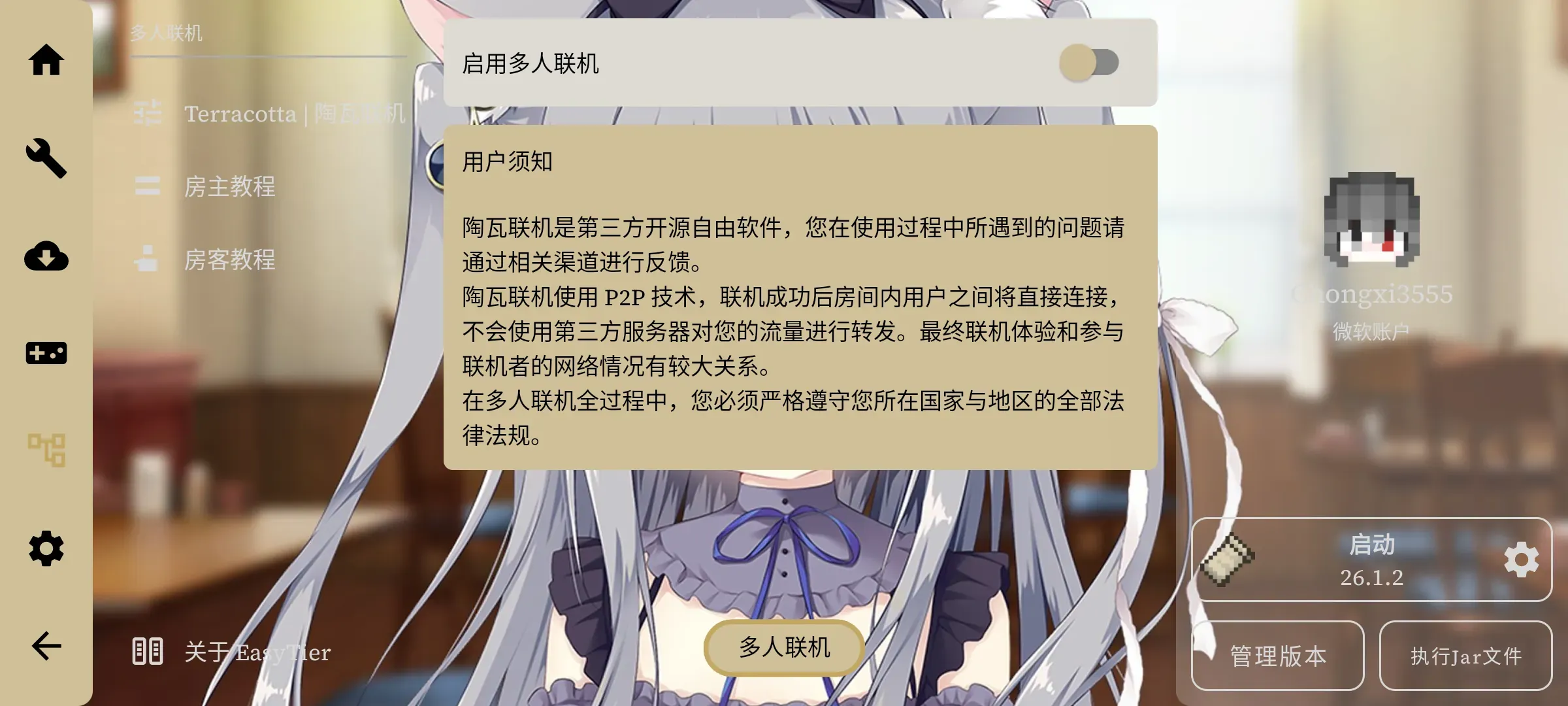
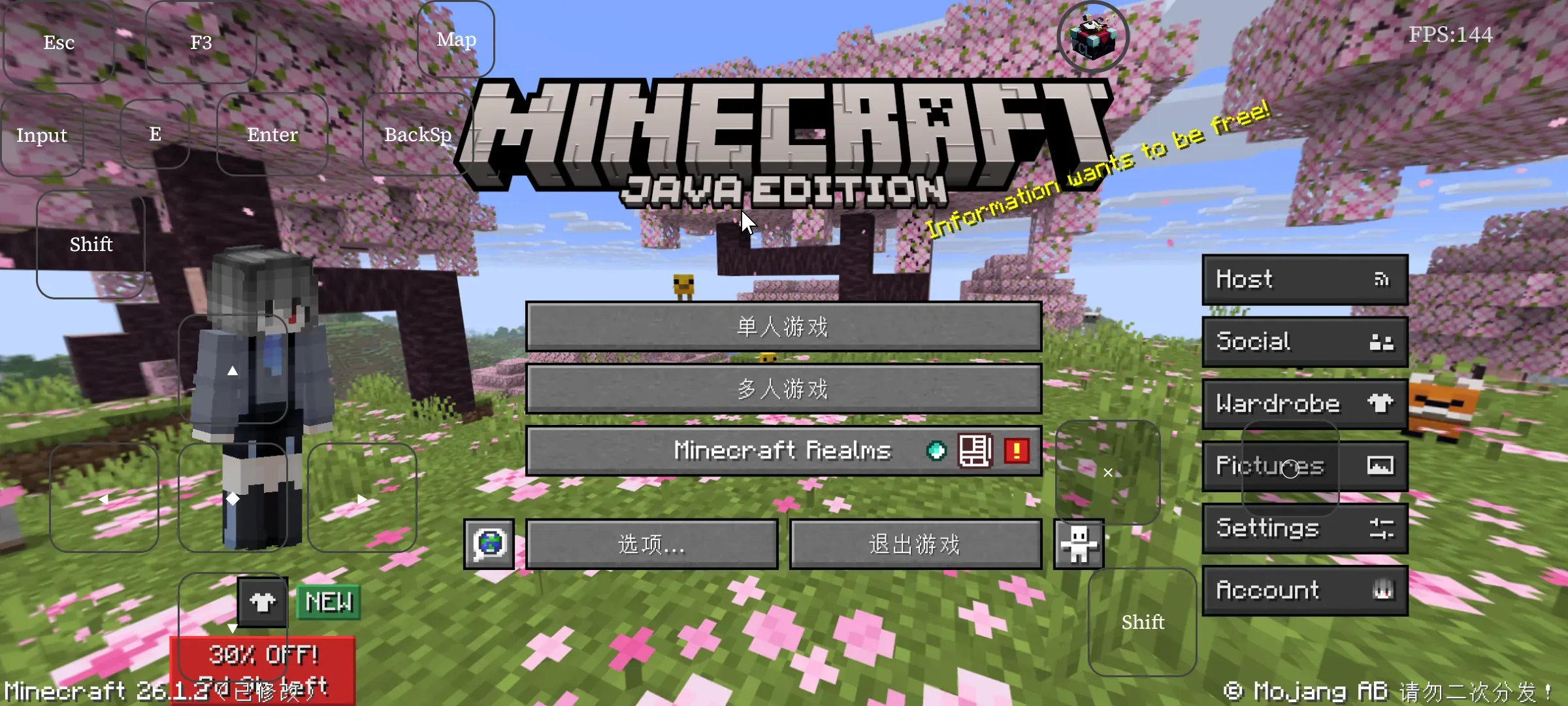
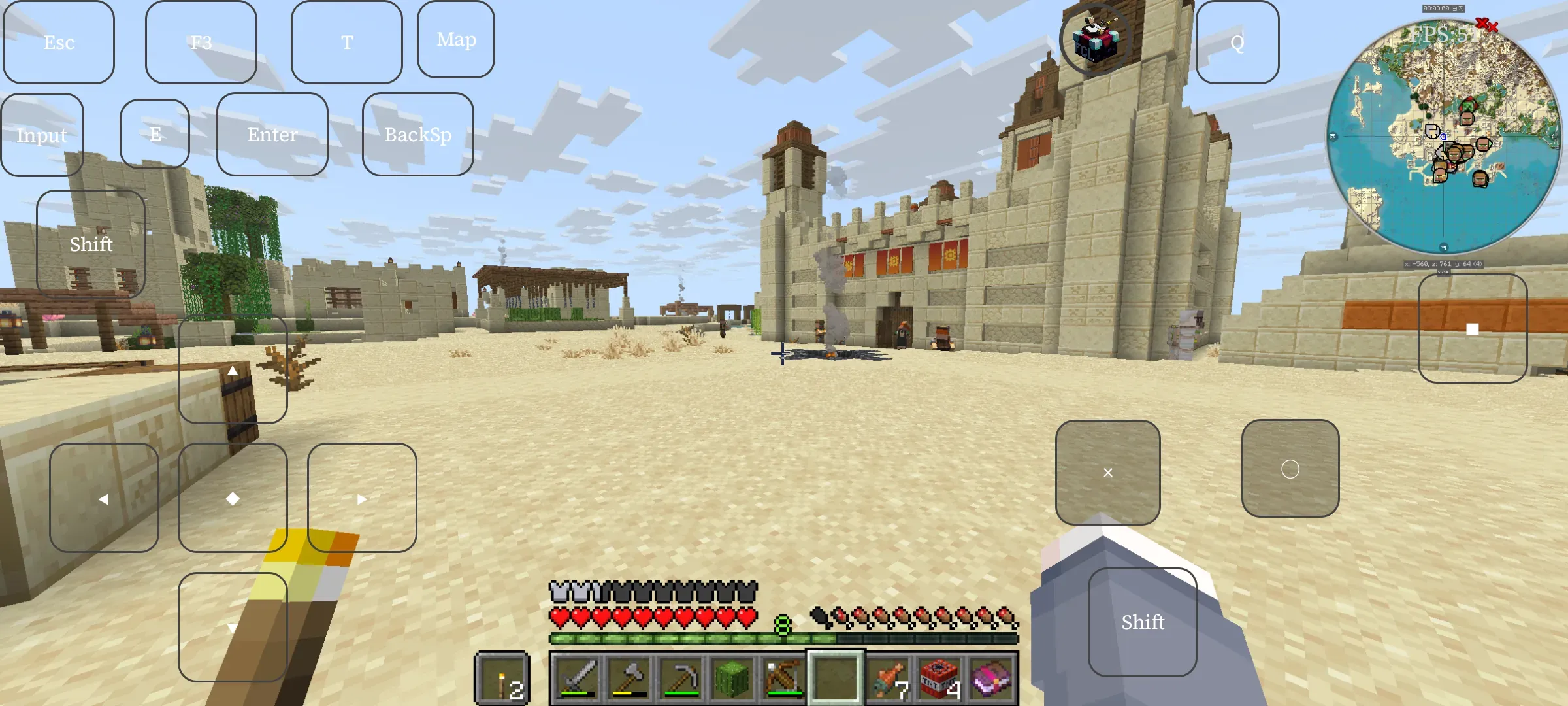
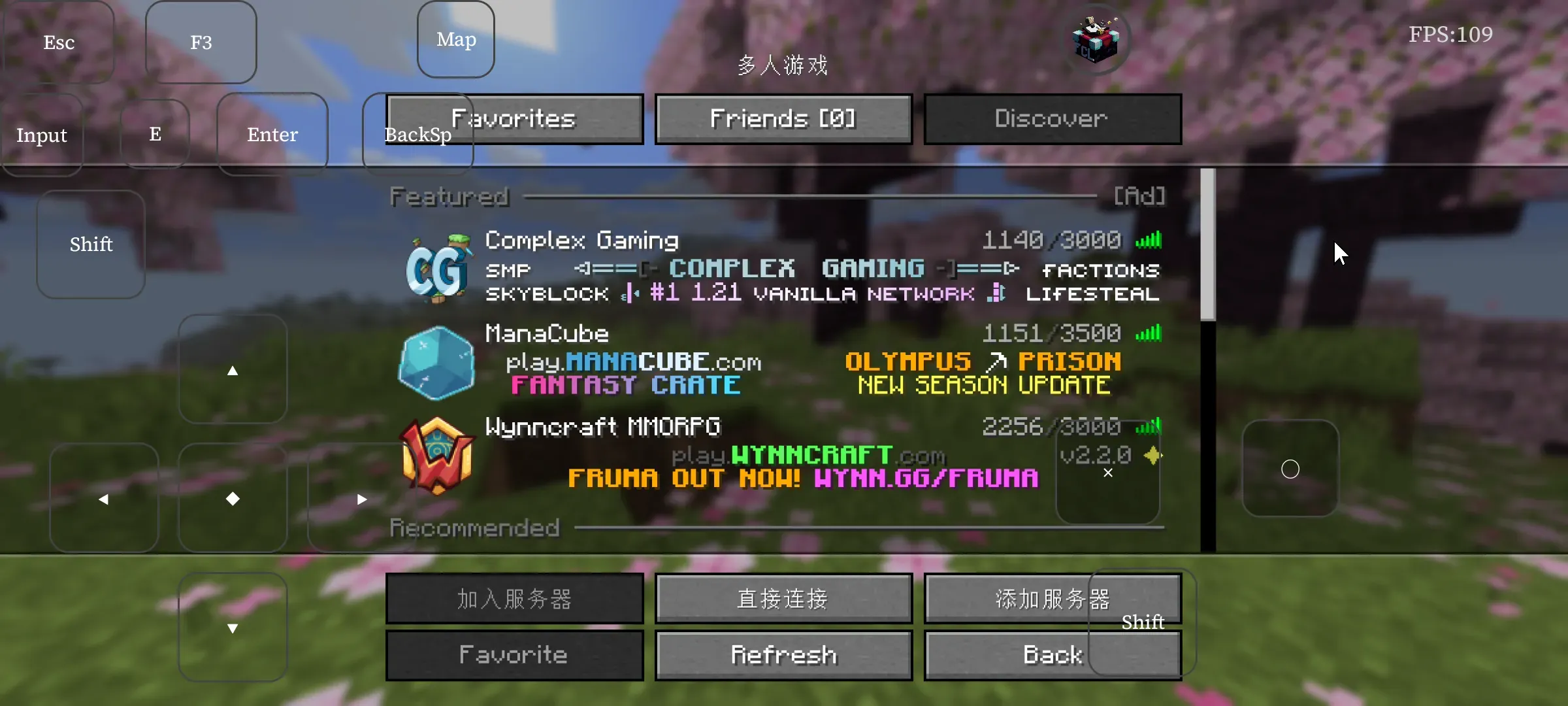
In the past, running Minecraft Java Edition on a phone basically meant using PojavLauncher, but unfortunately that launcher stopped being updated and was archived on 2025/09/24. Today, running the PC version of Minecraft JE on a phone (Android) takes a successor: Fold Craft Launcher
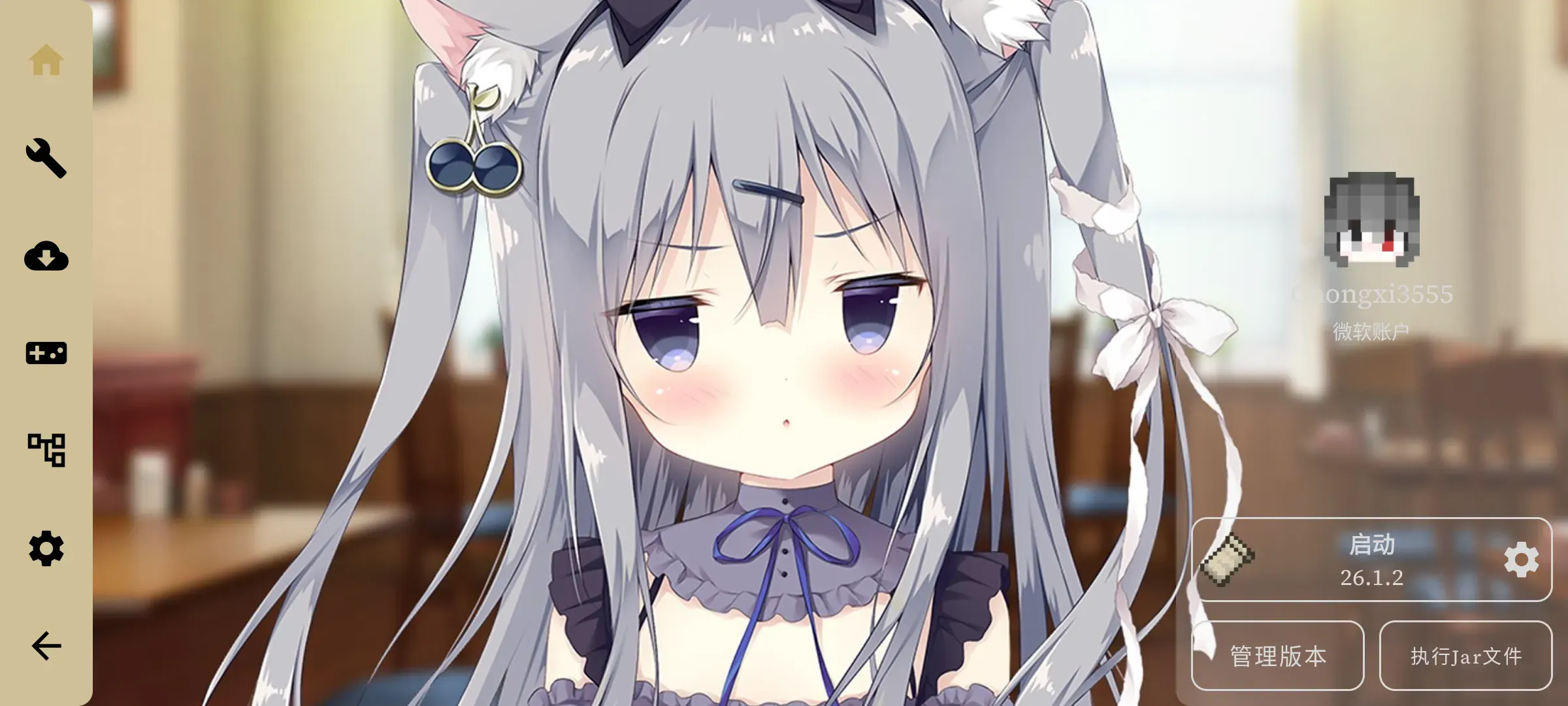
FCL GitHub link: FCL-Team/FoldCraftLauncher
Perhaps the most perfect launcher for running Minecraft JE on a phone right now (Android only, of course)
Tutorial
-
Open the link, find the release, and download the installer for your architecture (if you don’t know which to pick, download
armv8aorall) -
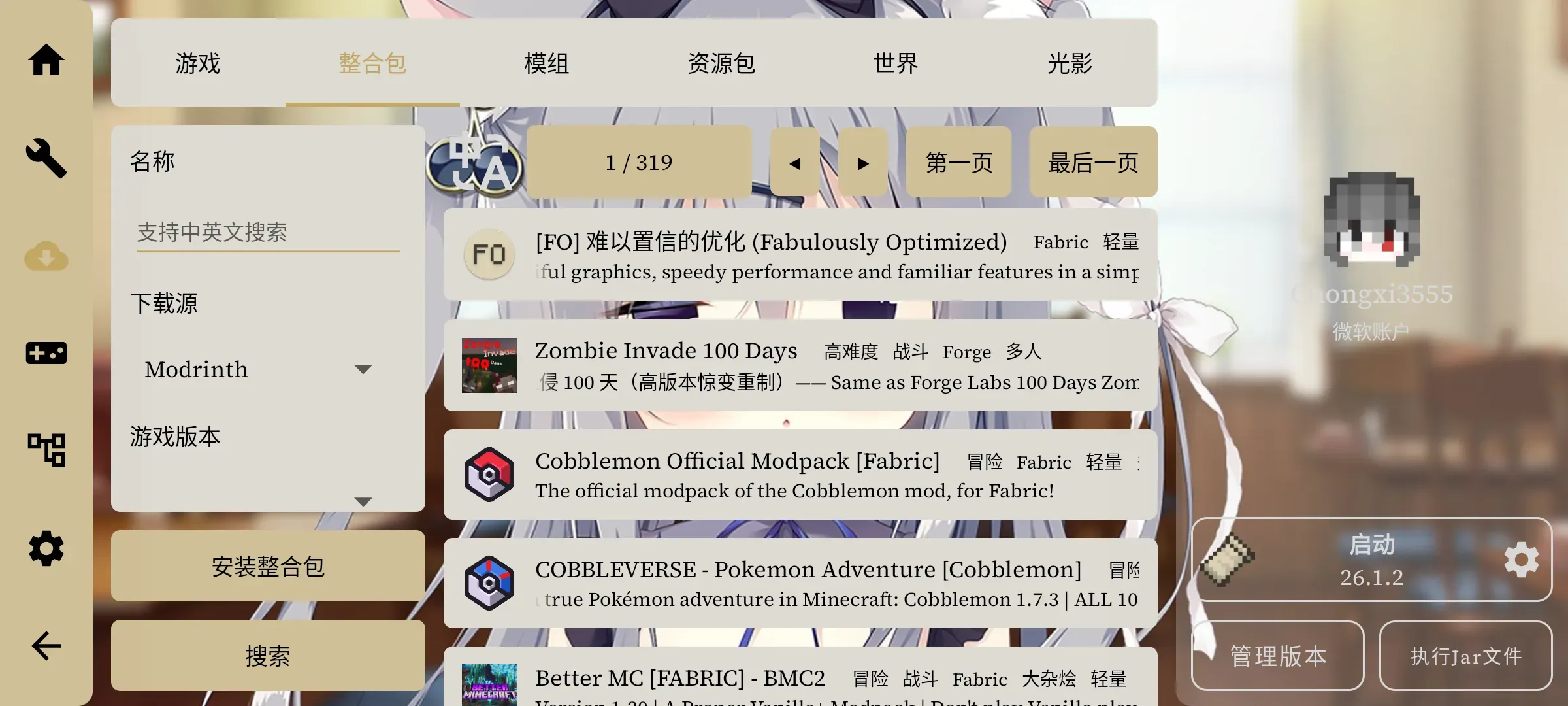
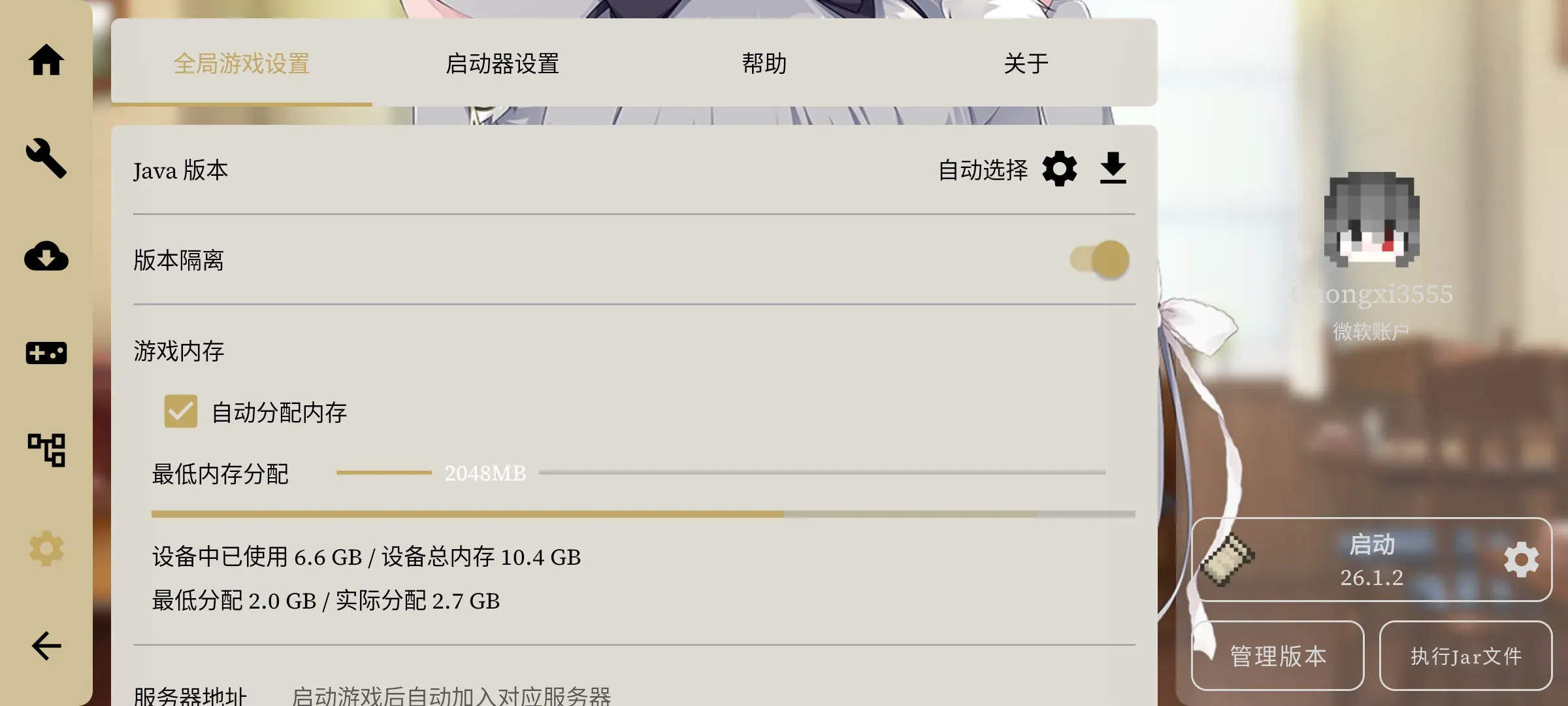
Open the launcher, (optionally log in with a legitimate account), and tap the cloud icon on the left to download games/modpacks. If you’ve used HMCL or PCL2 on a computer, you’ll pick it up easily — their operation logic is almost identical (if downloads are slow, you can try using a VPN)
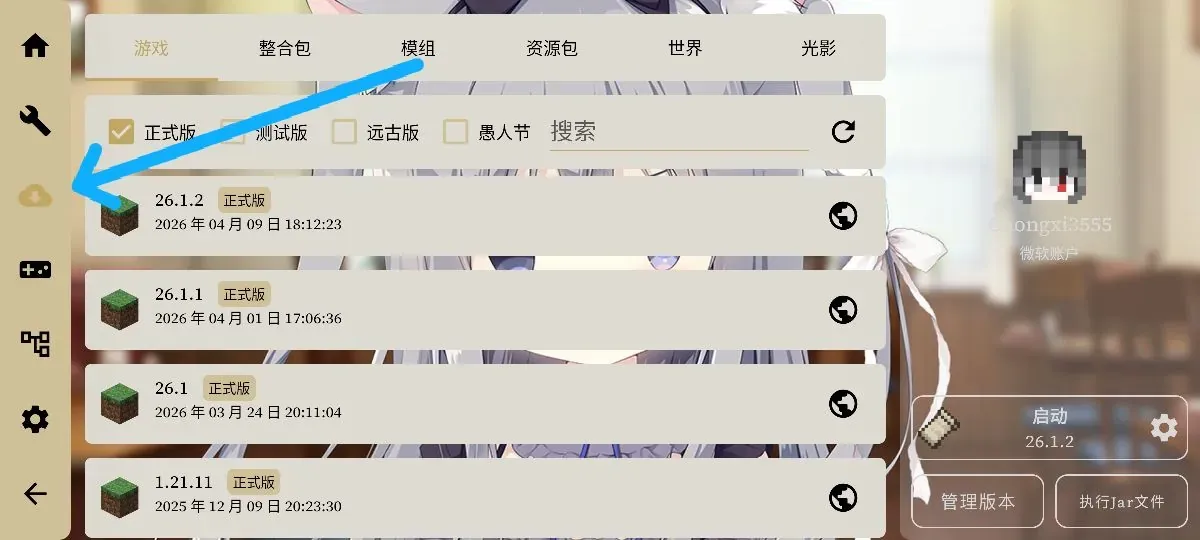
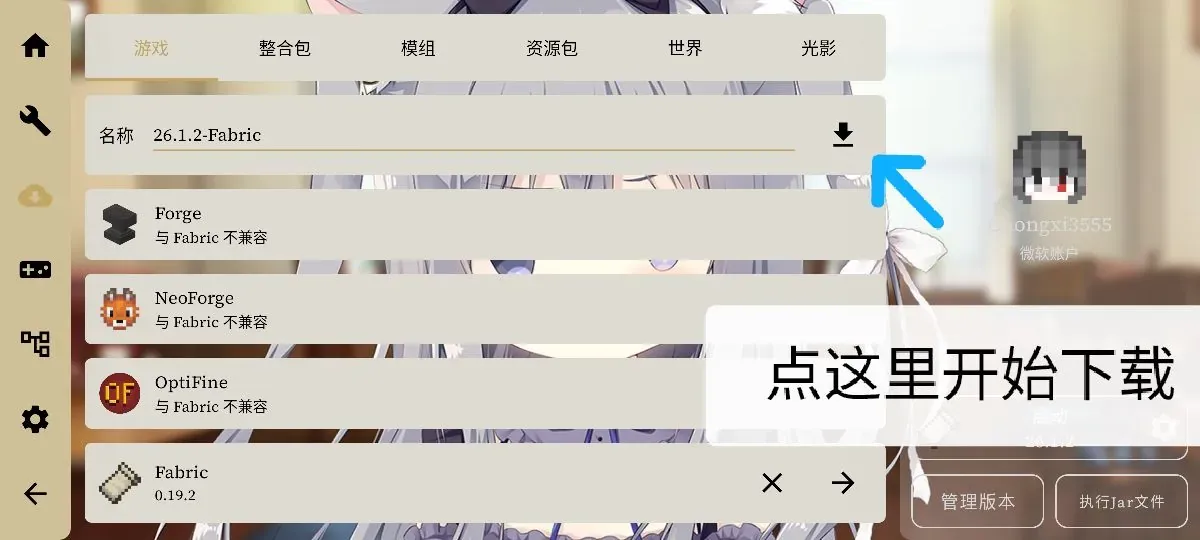
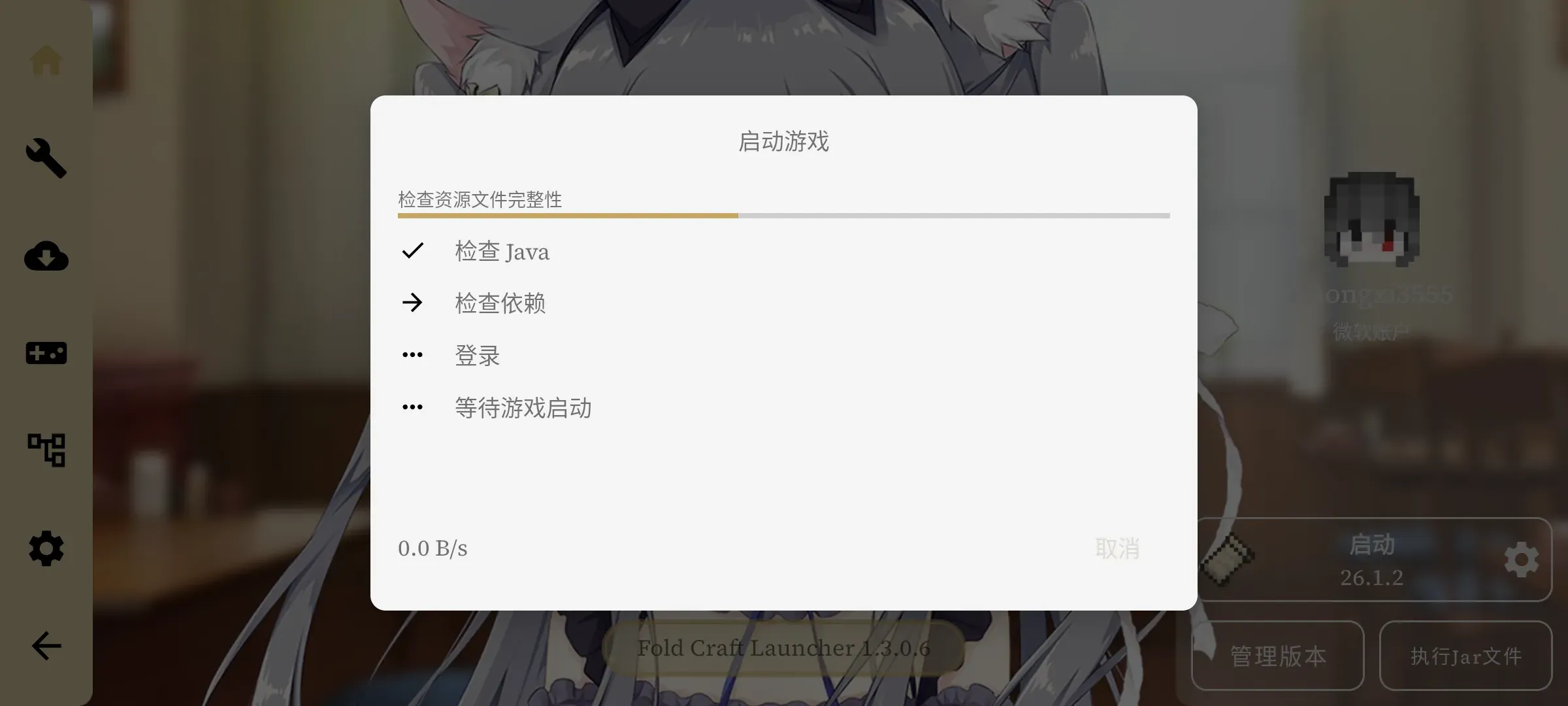
- Once the game is downloaded, tap Launch Game in the bottom-right corner and it’s ready to serve
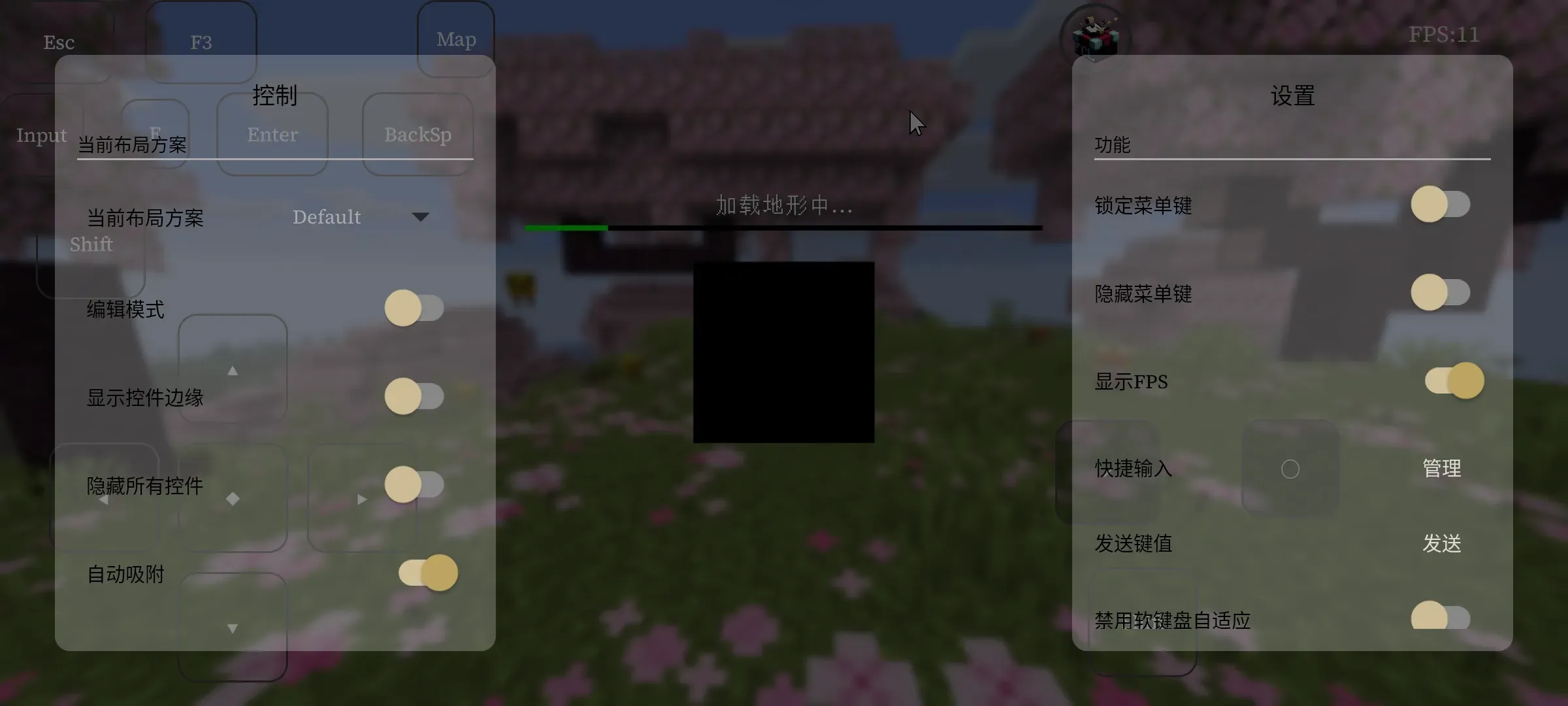
Buyer’s Showcase