
1. Enable developer mode
Firefox has a built-in debug menu, hidden by default. Activate it as follows:
设置 → 关于 Firefox → tap the Firefox logo five times in a row
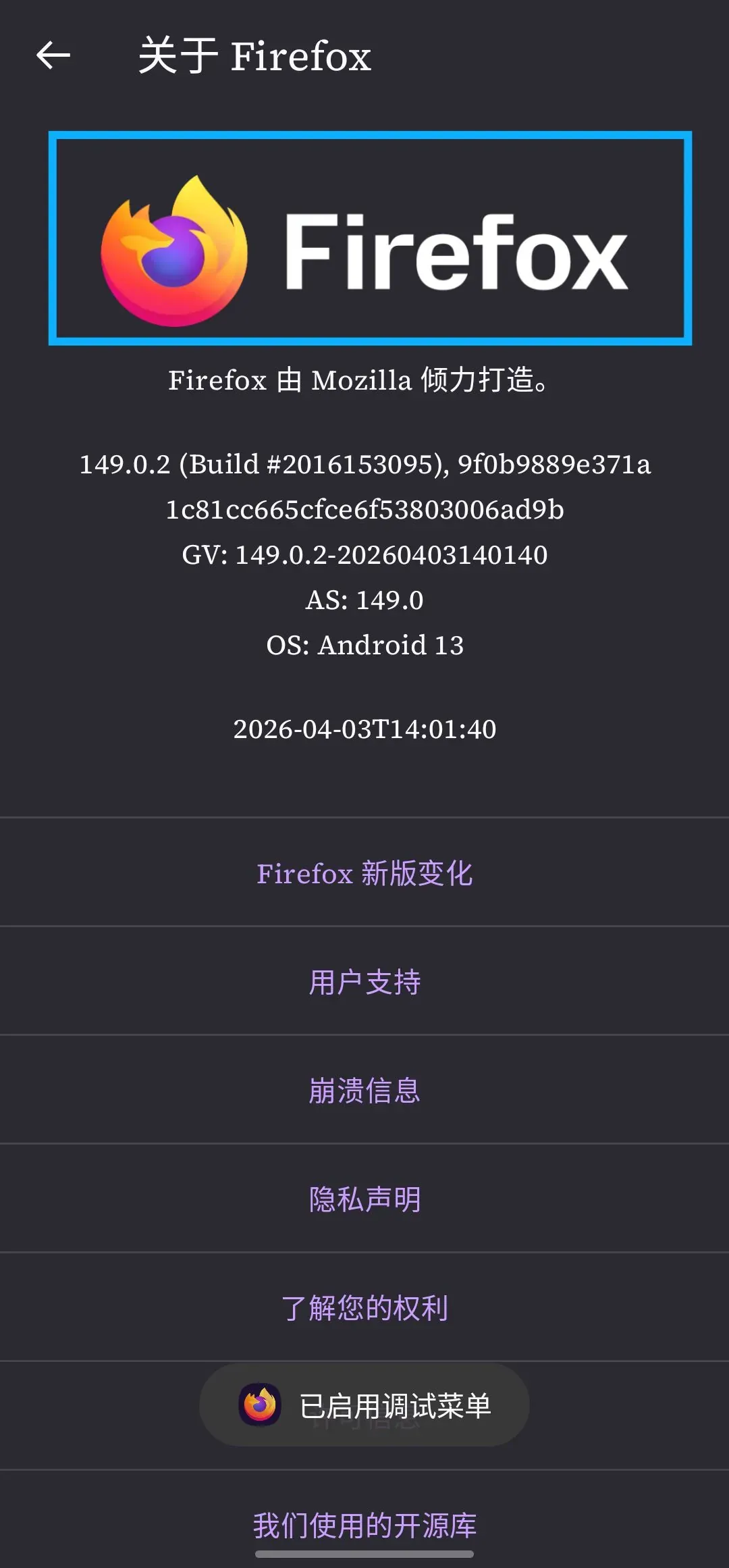
A toast appears at the bottom: 已启用调试菜单
Go back to 设置, and a 从文件安装插件 option appears under 高级选项
2. Install a local add-on
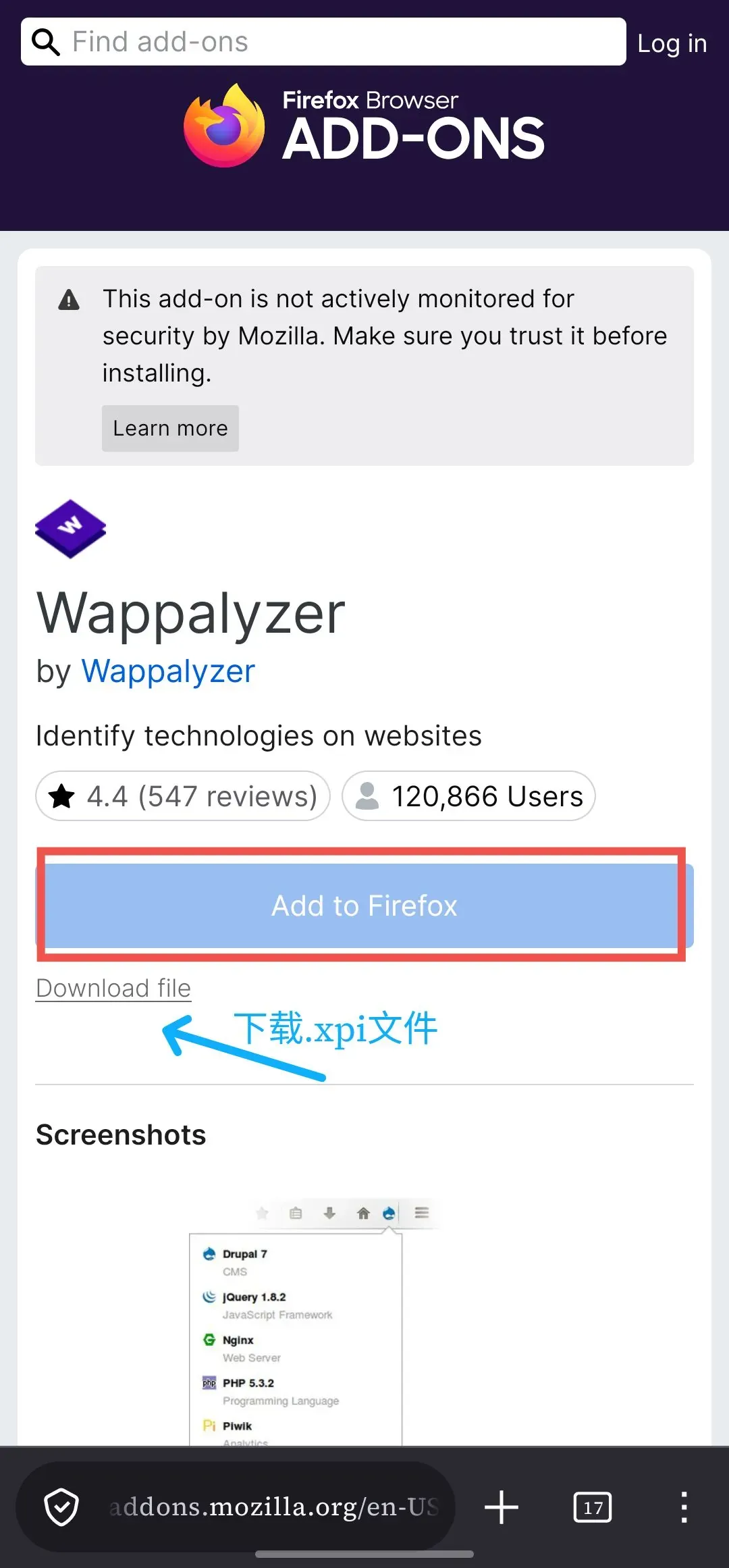
- On the add-on page of the Firefox add-on store, click Download file and download the
.xpifile to your phone
The Add button can’t be clicked here, so installing locally is the only option
-
Activate the debug menu described above
-
设置 → 从文件安装插件 → select the downloaded
.xpi

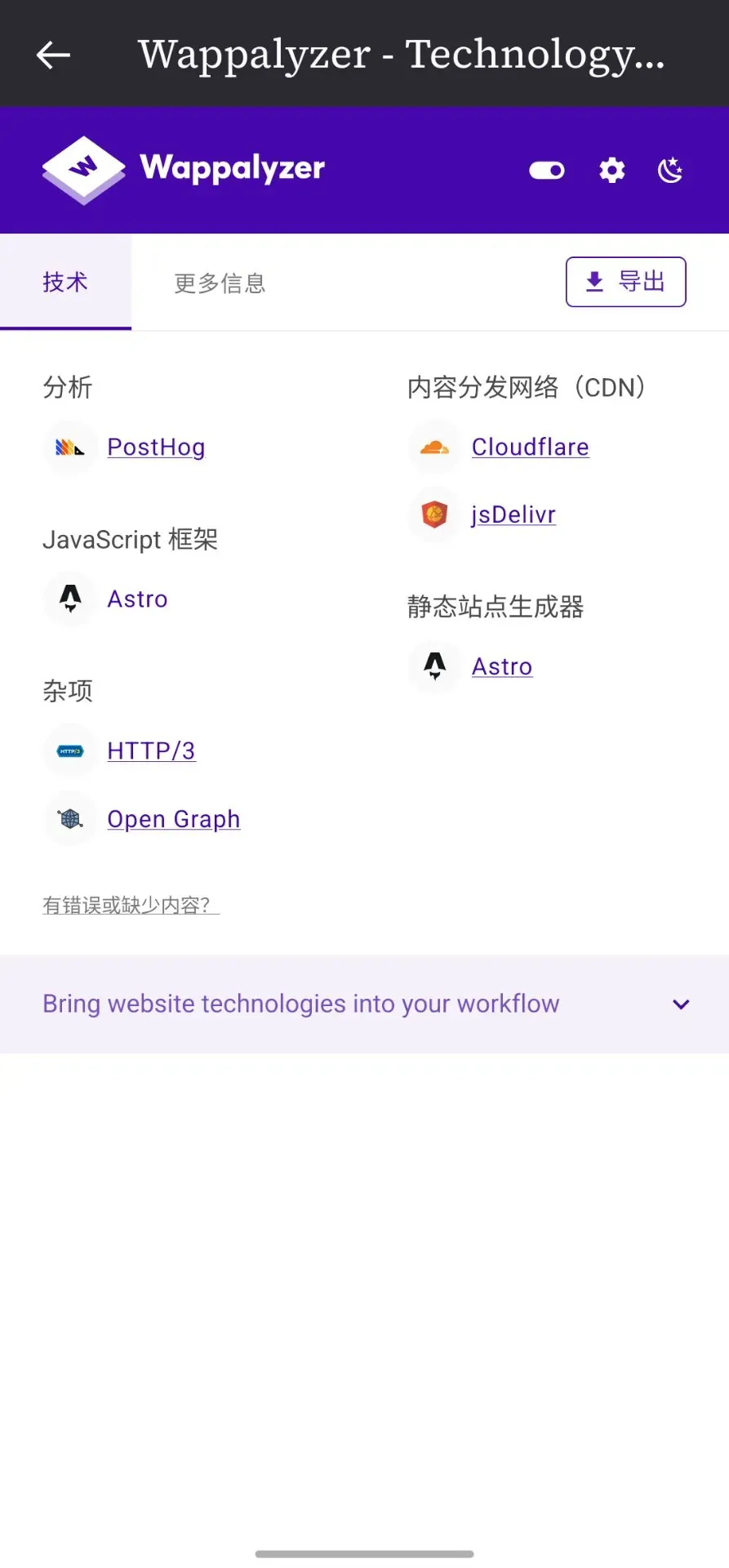
- Done

Only signed add-ons are supported. Official xpi files downloaded from AMO are all signed. Unsigned add-ons from third-party sources may be rejected
Firefox Android restricts add-on compatibility, on the grounds that mobile APIs and desktop APIs aren’t exactly the same, and some add-ons crash on phones. Add-ons like Wappalyzer that read page information are actually perfectly fine; the official side simply hasn’t marked them as compatible
After a forced install, Wappalyzer displays completely normally on Firefox Android
