Intro
Static blog writers have more or less all run into this problem: git push feels too disjointed and the feedback isn’t timely. After all, a static blog has to build and deploy every time, and each push takes a minute or two — that can’t be solved. But the disjointed feeling caused by git, that one can be solved
Usually we write markdown in VS Code or another text editor, then have to manually open a terminal and run git push; writing on multiple devices means configuring git ssh every time — really too much hassle, to the point that recently, because I wasn’t at home and hadn’t set up the repo on my phone, my desire to write dropped off somewhat
You might ask, why not use the GitHub WebUI? All I can say is that after long-term use it’s really awkward; occasionally going in to fix a bit of text with the web editor is fine, but long-term I personally find it a bit hard to accept
So back to the point: is there a solution that’s easy and convenient to operate, has a powerful editor, and perfectly handles git’s disjointedness? Yes, my friend, there is:
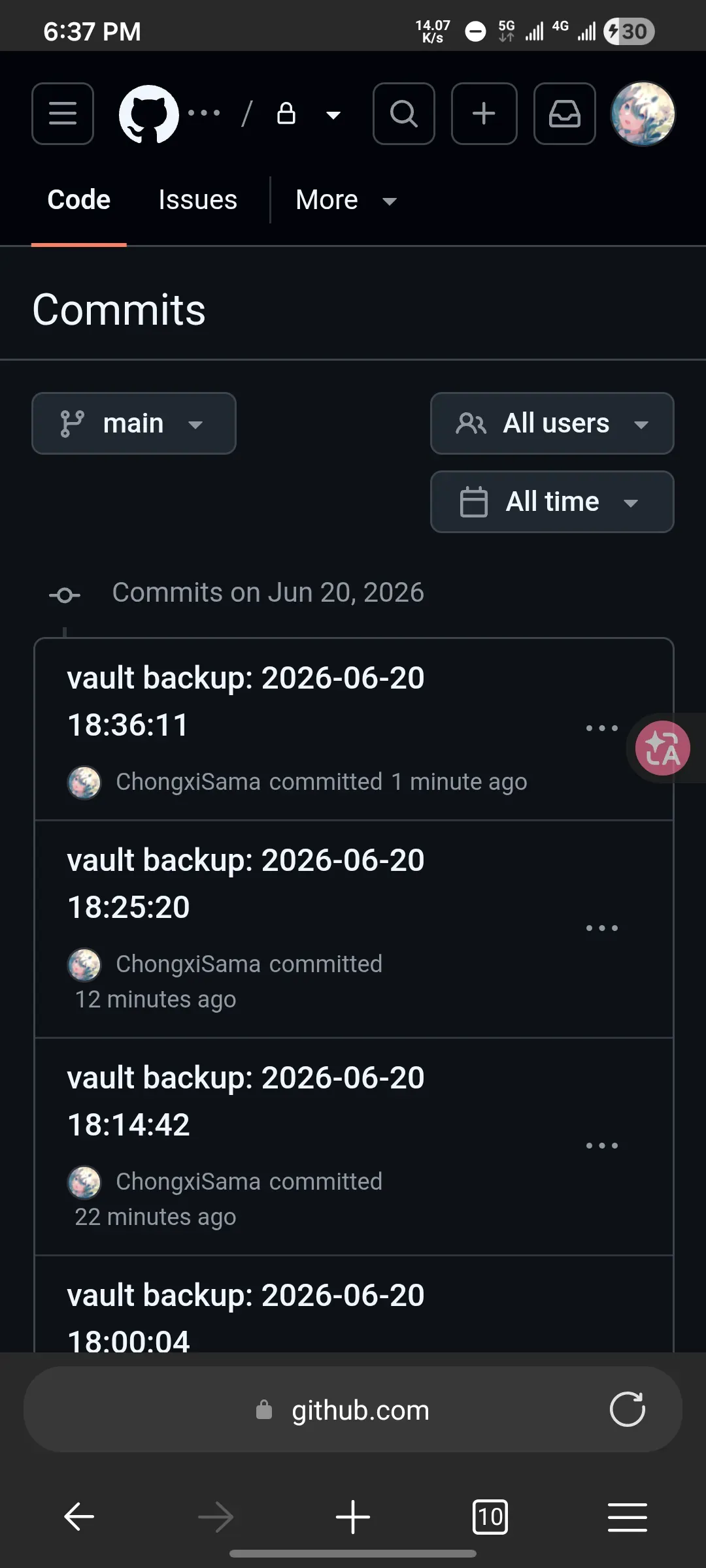
Use Obsidian mobile + the git plugin to achieve automatic real-time git sync
A quick introduction: Obsidian is a well-known Markdown-based text editor; it’s very powerful and cross-platform
Steps
1. Clone the repository
I personally prefer operating directly on the command line, so I used termux. In termux, first install the most basic git packages
pkg install -y git opensshThis command installs the most basic git package; since I’m used to ssh auth, I installed openssh along the way.
After cloning, you need to move the repo to Android’s own internal shared storage, so first initialise storage permissions
termux-setup-storageThen copy the blog into internal storage
# remember to change the folder name to your owncp -r ~/CEPATO-NEXT /storage/emulated/0/Documents/CEPATO-NEXTAfter copying it over, I ran git status and got the fatal: detected dubious ownership in repository error — because Android is FUSE after all, and git refused it for security reasons. So we
git config --global --add safe.directory /storage/emulated/0/Documents/CEPATO-NEXTThen git status again, and git reported a pile of modified even though I hadn’t touched anything, because FUSE doesn’t preserve unix permission bits and git mistakenly thinks they changed. So we
git config core.fileMode falseand it’s solved.
One thing to note here: Obsidian uses https, so if you cloned over ssh, you need to change its remote to an https address
2. Setting up Obsidian
Open Obsidian, choose the repo you just cloned as the vault, then find 第三方插件 in settings, turn off safe mode, search for git and install the first one
Next open GitHub.com and set up a token; remember to tick all the repo scopes, then copy it down
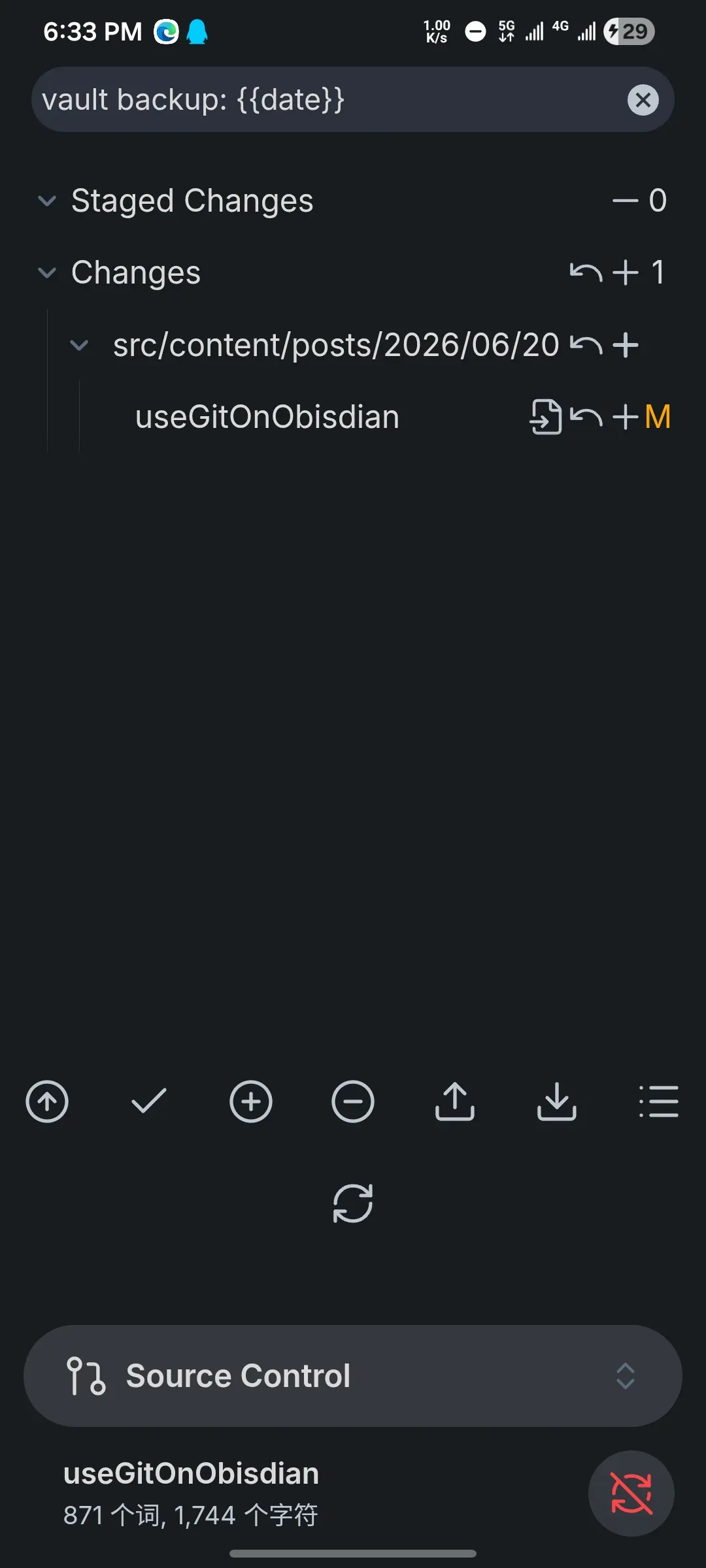
Then open Obsidian again, go into the git module’s settings, fill in the token, and set the username and email; at this point it should basically work
3. Optimisation
Since Obsidian and the Android system itself generate a pile of config files, I suggest blocking the following Obsidian content in .gitignore
.obsidian/workspace*.obsidian/cache.obsidian/.trash/.trash/*.tmp.thumbnails/As for the other git module settings, they vary from person to person; decide for yourself
Conclusion
All things considered, the experience is quite good; the Obsidian + git combination is very strong. The only flaw is that this git plugin is implemented in JS and is a bit slow. Almost all the problems I ran into along the way were because Android isn’t a real Linux filesystem; from now on, considering that first when you hit this kind of problem will save you a lot of trouble
Screenshots