
Intro
As everyone knows, flashing an OneCloud means either holding reset or short-pinning, and short-pinning requires taking it apart (isn’t that obvious). Plenty of people who tinker with these things probably find it pretty mysterious, because you simply can’t tell where to start. This article walks through it with photos and text
Teardown steps
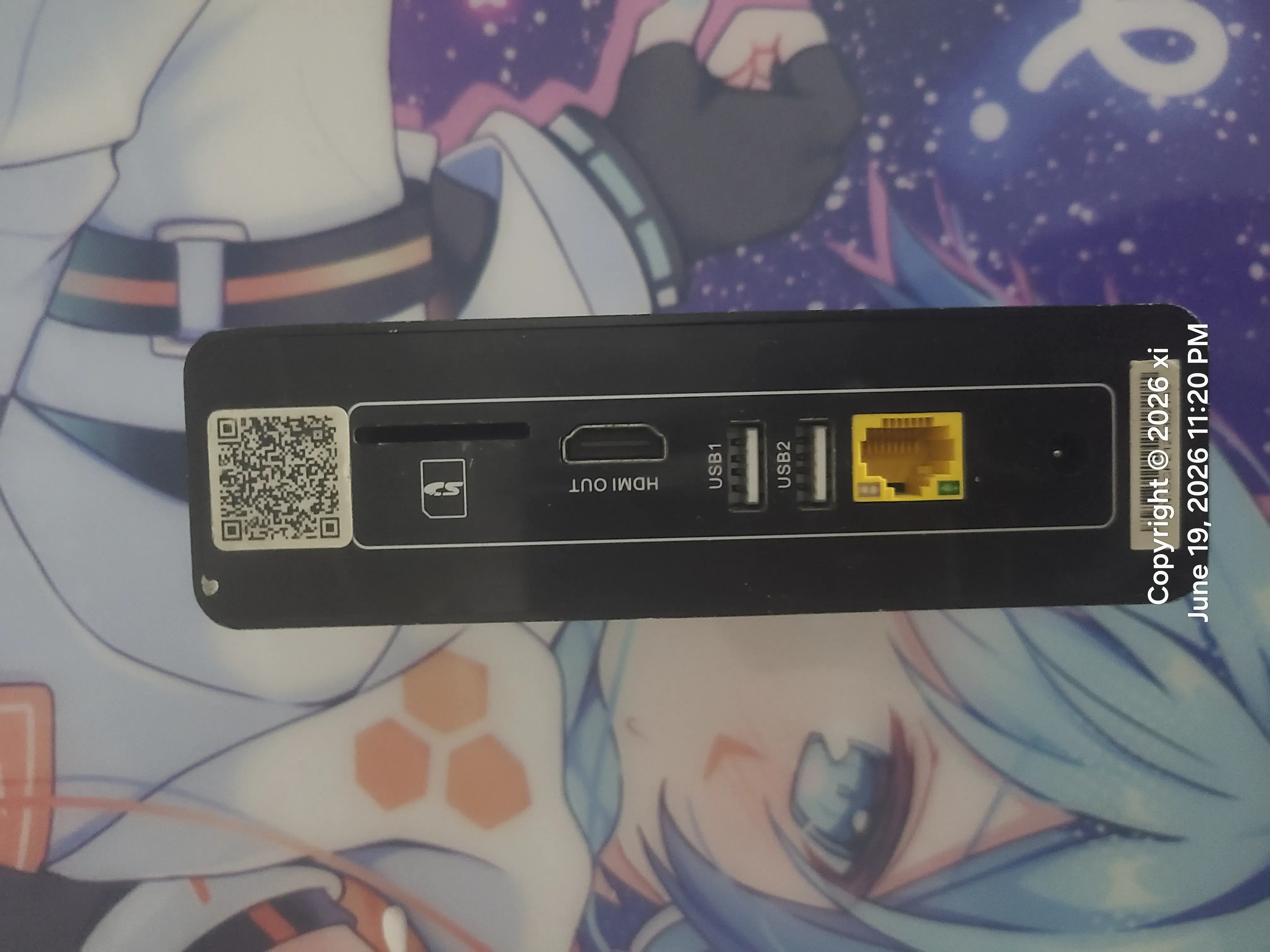
It’s actually pretty simple — you mainly start from the back. The back of the OneCloud has a panel stuck on with double-sided tape; take that off and there’s another back plate held on by screws, as shown below
To remove the first layer of back plate, if you have a heat gun you can heat the plate with it, or a hairdryer on the warm setting will do; once it’s heated, it pops off with a pry
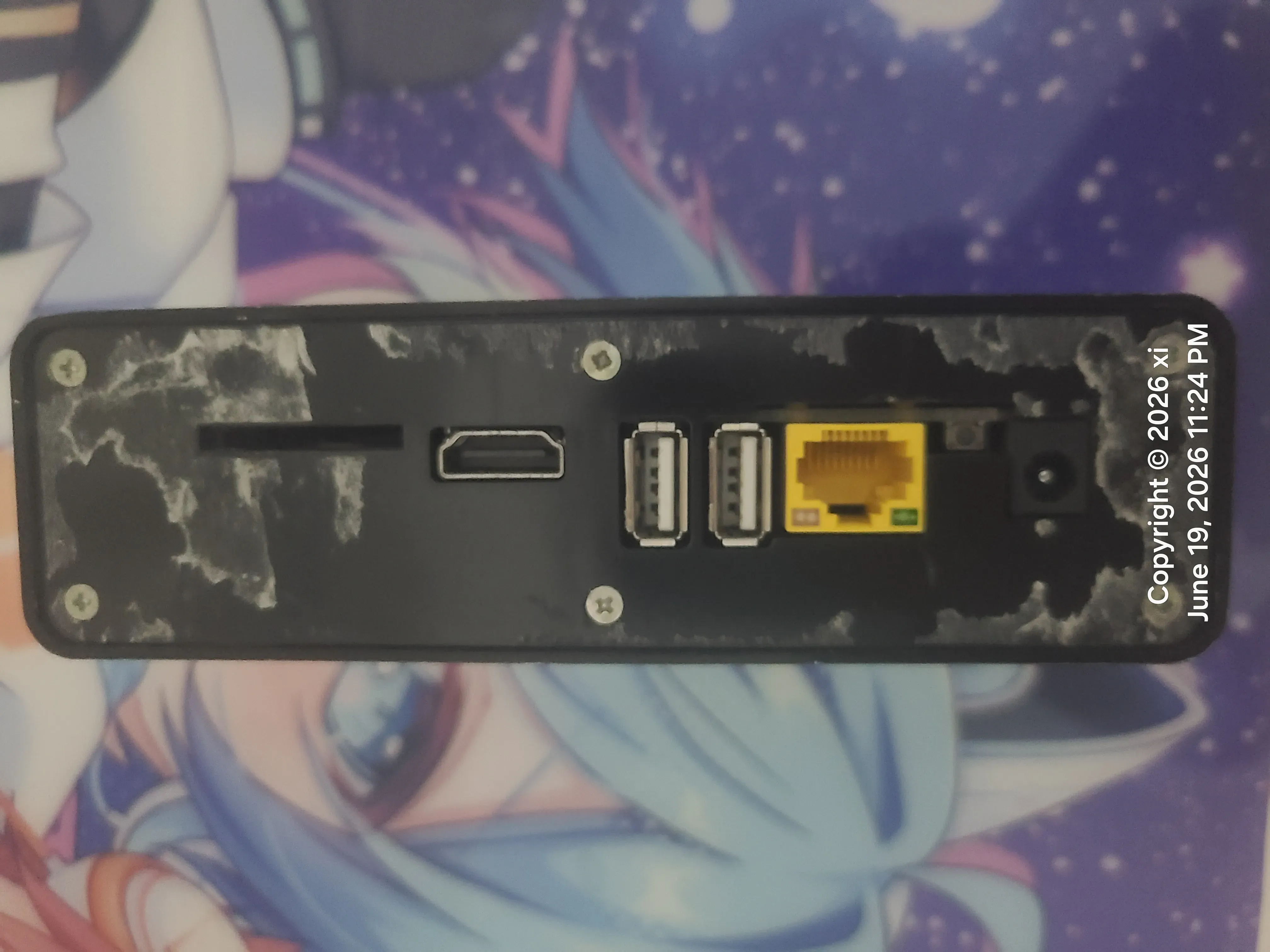 This is what it looks like after the double-sided-taped back plate is off; then undo the screws, take the back plate off completely, and you’ve successfully opened it
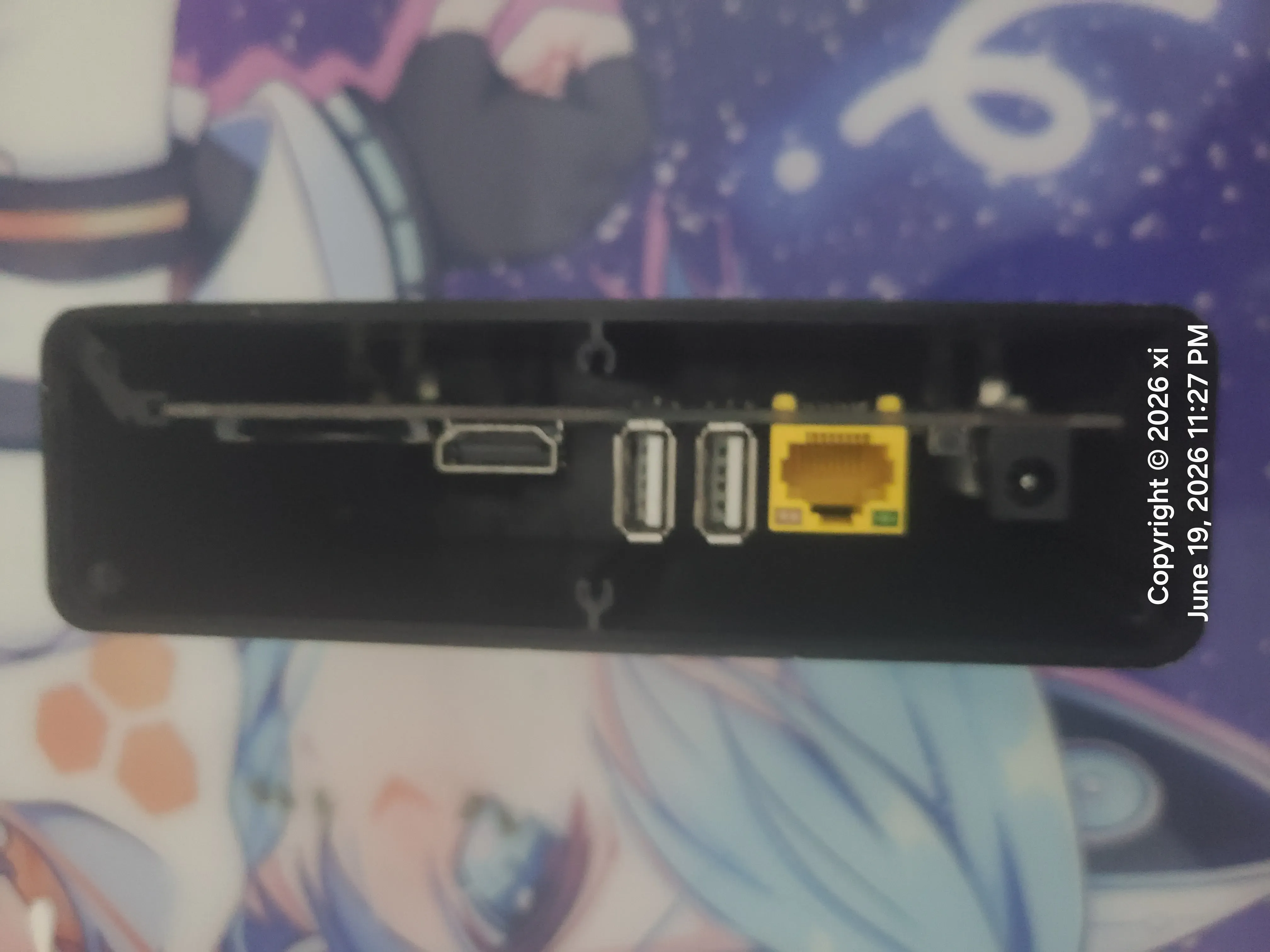 At this point you can just pick the mainboard out with your hand
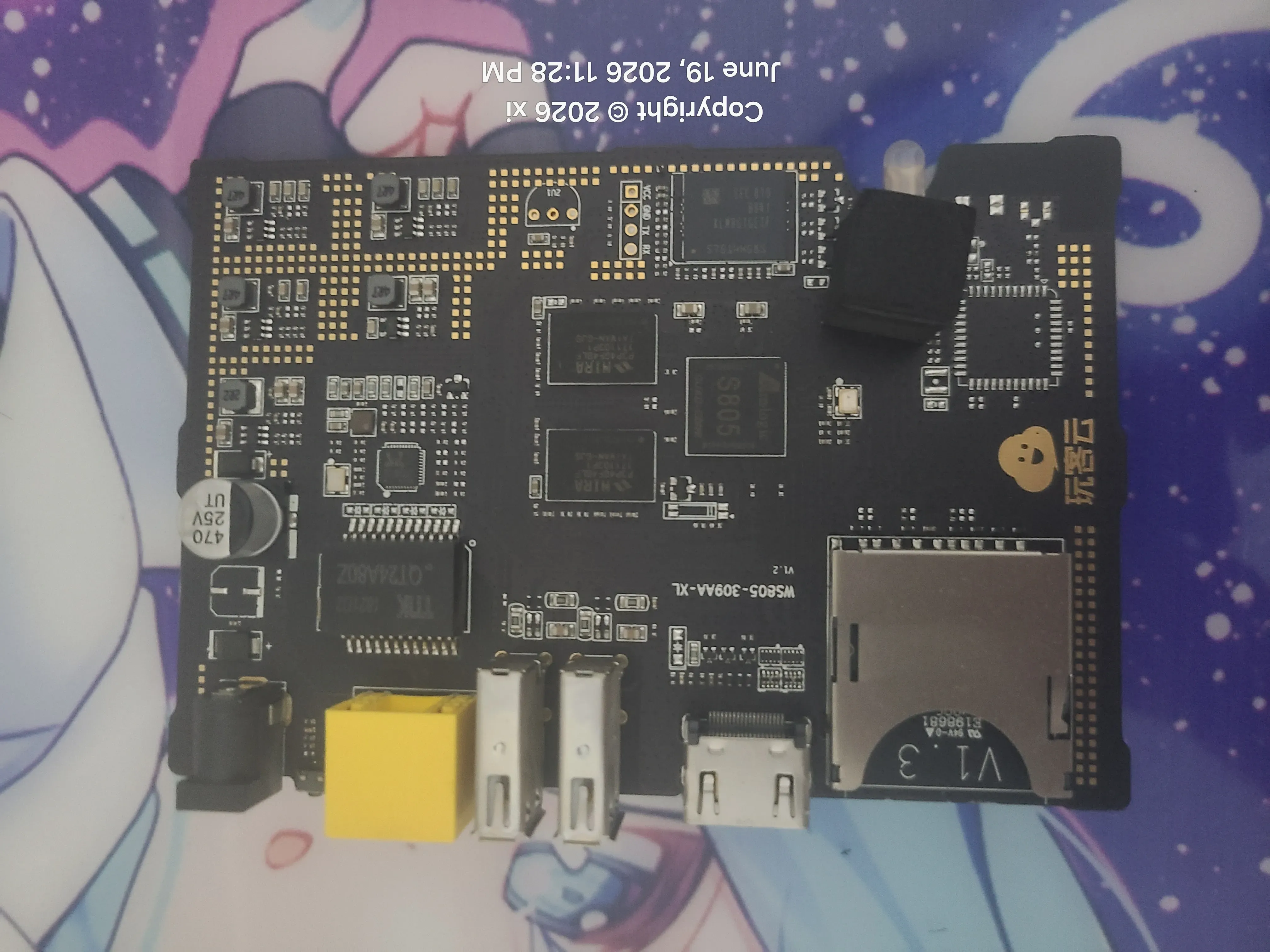 And then you can go for the tense, thrilling short-pin flash
